Connecting Your API
First Steps
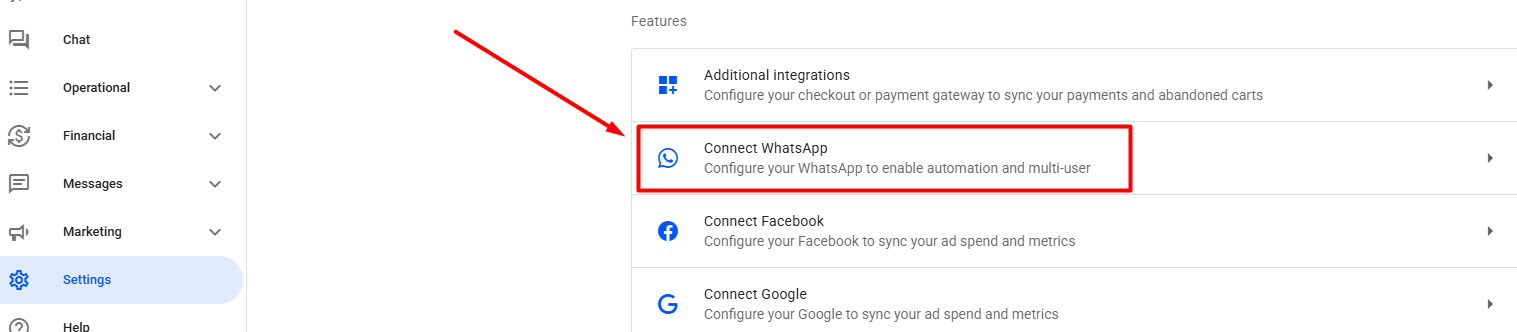
In your Reportana account, go to Settings in the side menu → Connect WhatsApp. Or access: Settings — Connect WhatsApp.
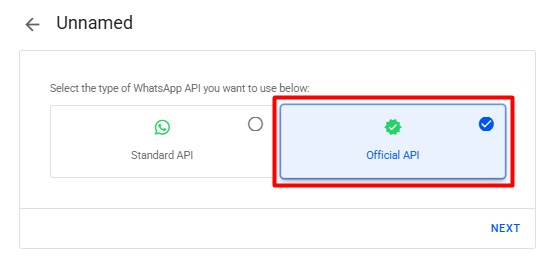
Select Official API ➞ Next.
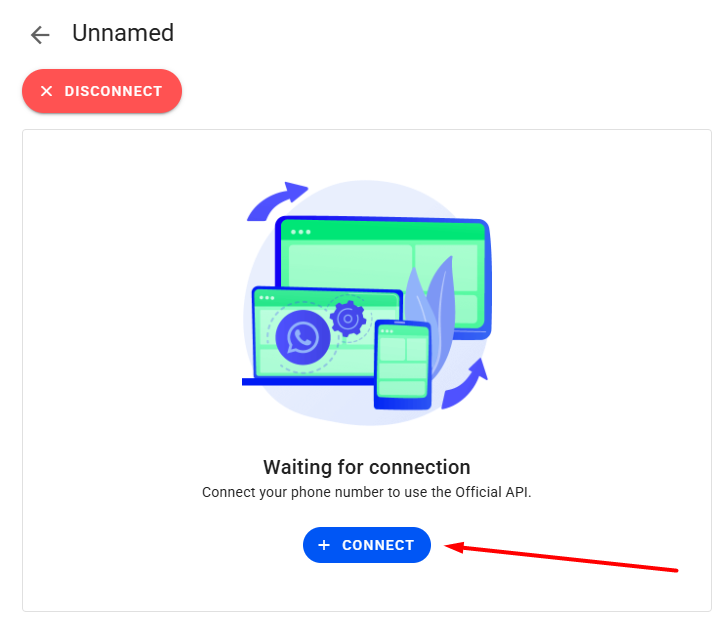
Click + Connect.
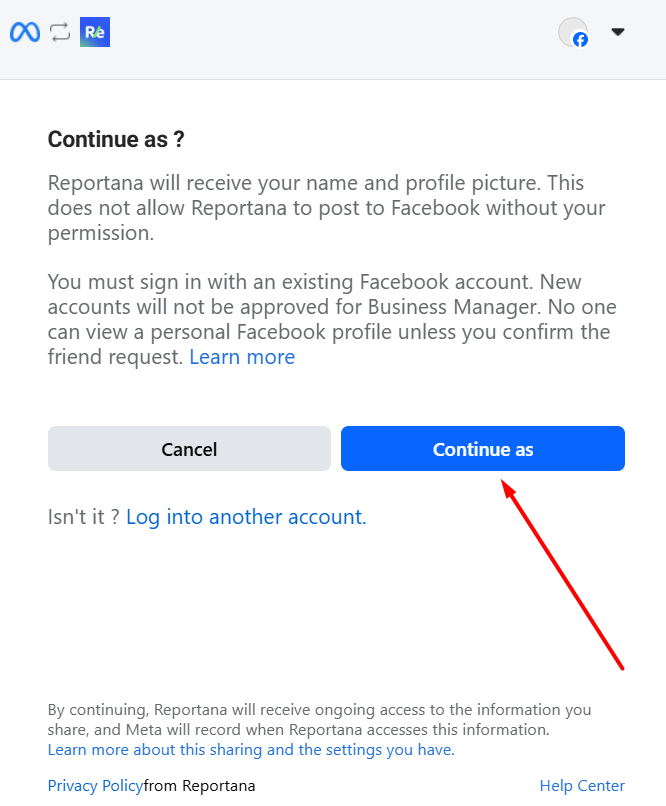
If already logged into your Facebook account, click Continue as…. Otherwise, log in to your Facebook account.
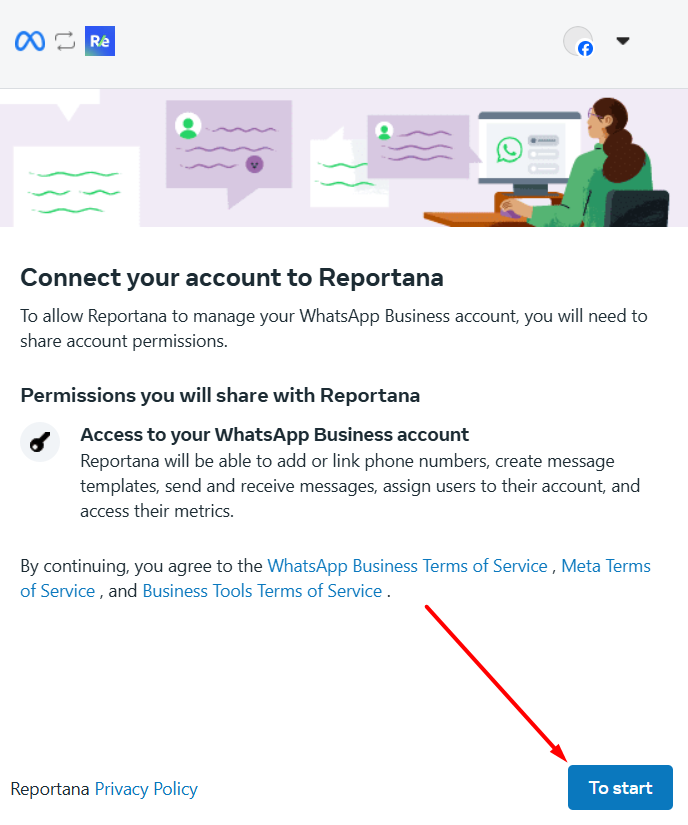
Click To Started.
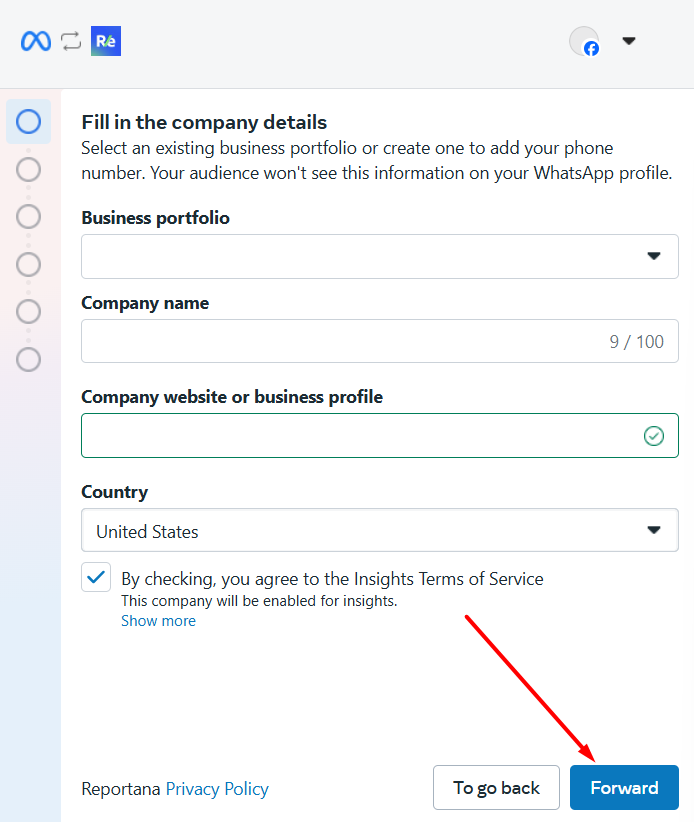
Add your business name, business email, website/business profile, and country. Then click Forward.
Connecting a New Number
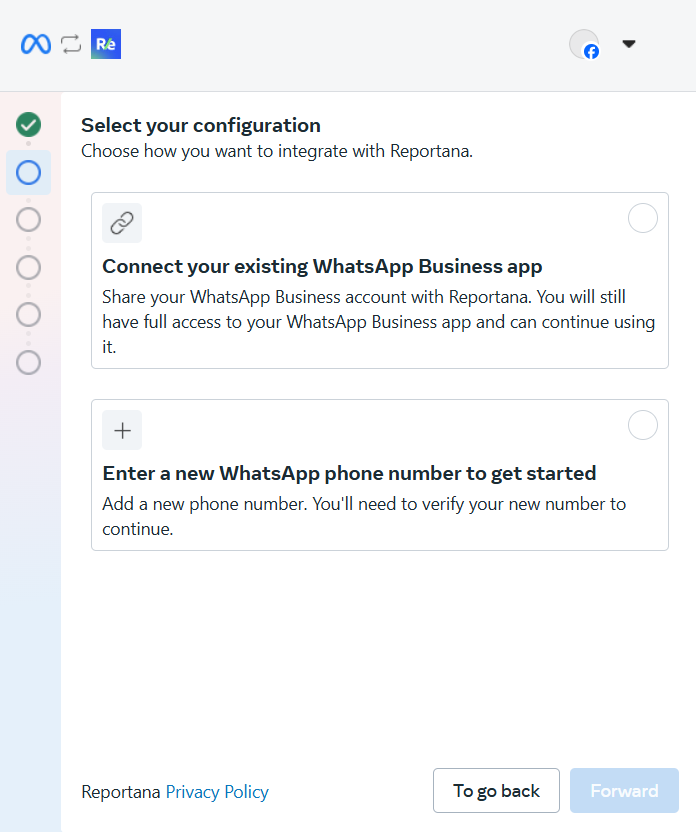
Choose whether to connect an existing or new number. Select Enter a new WhatsApp phone number.
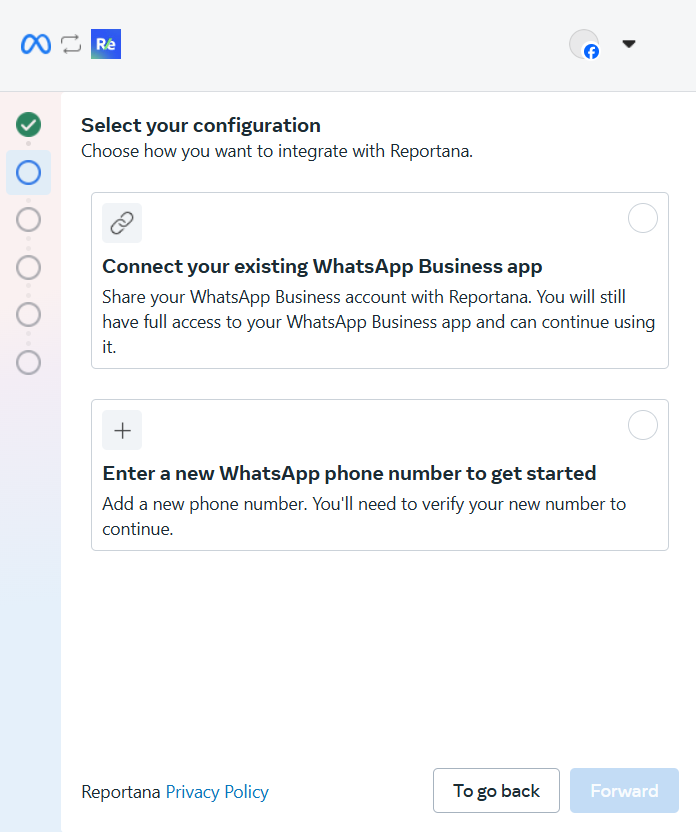
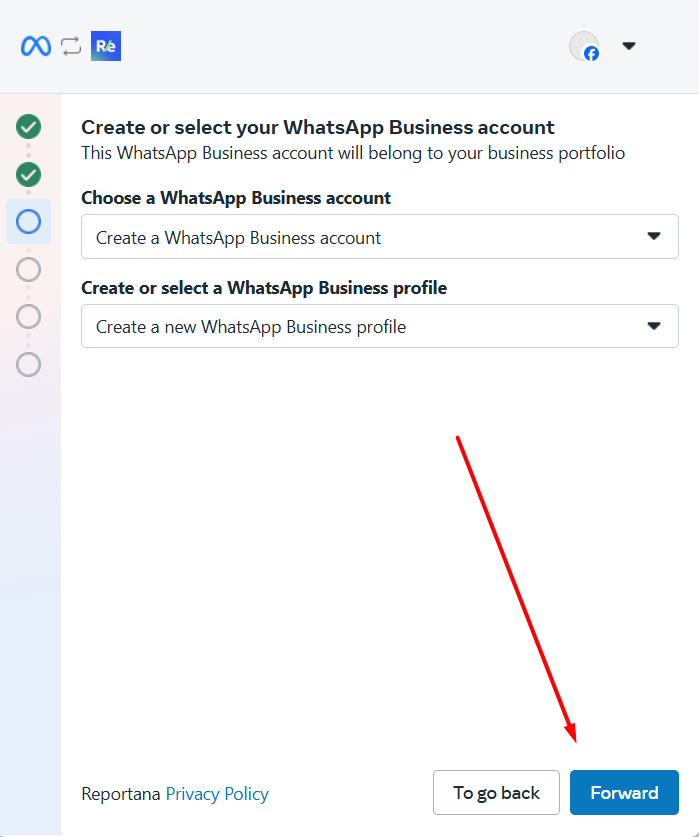
Select your WhatsApp Business account and profile, or choose Create a WhatsApp Business Account and Create new WhatsApp Business Profile then click Forward.
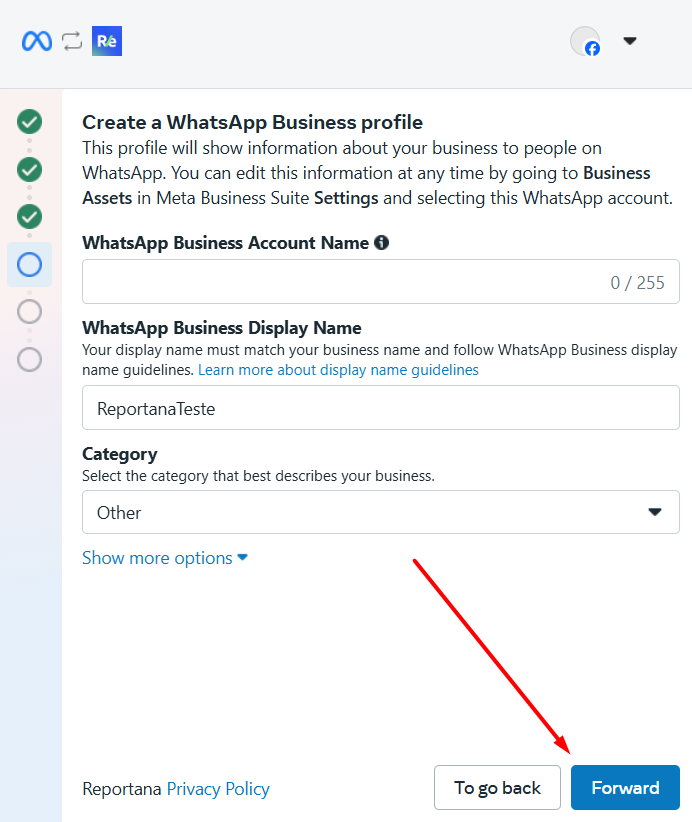
If you are creating an account for the first time, name your WhatsApp Business account and the profile display name. Under Category, select Other and click Forward.
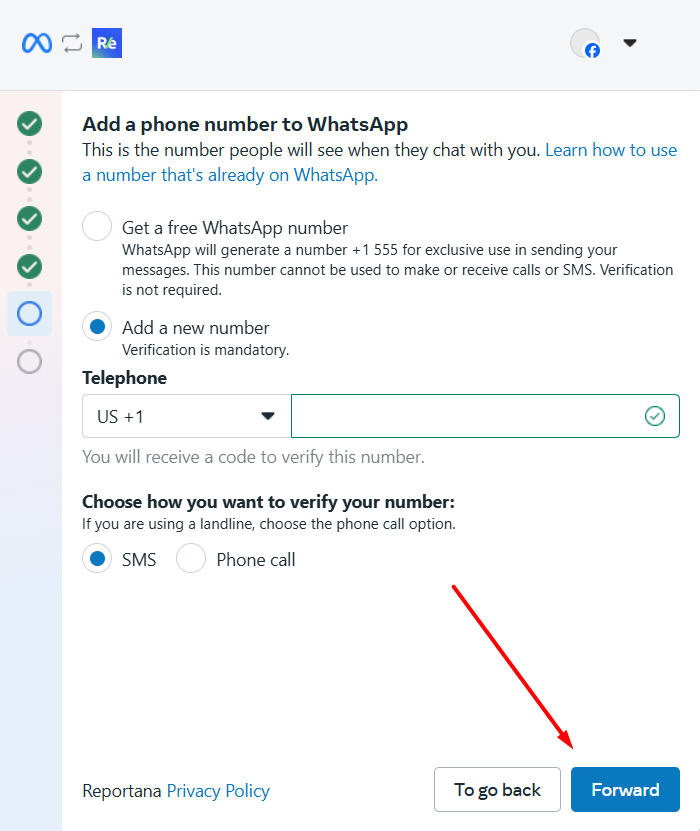
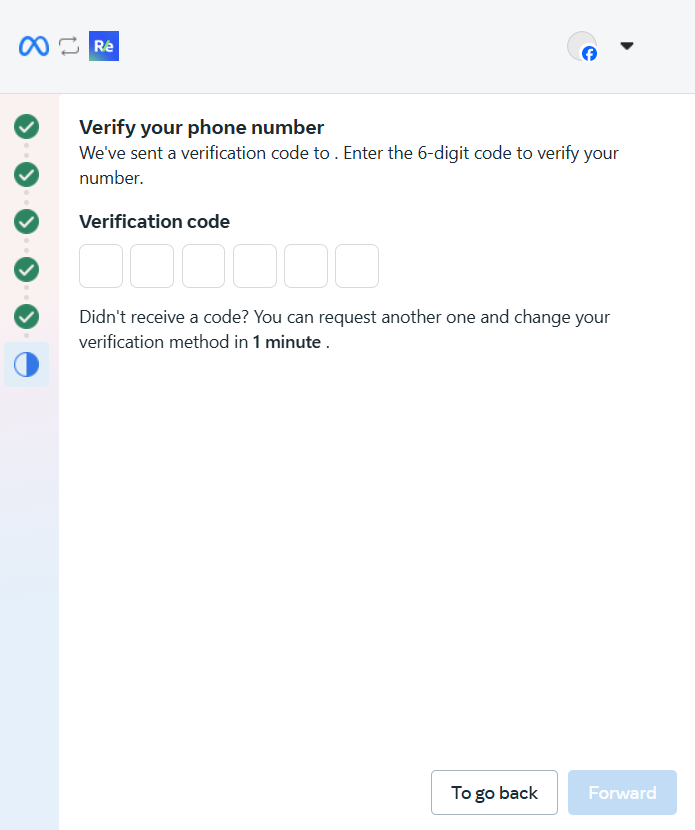
Add your business WhatsApp number, choose verification method, and click Forward. Enter the confirmation code when received, then click Forward again.
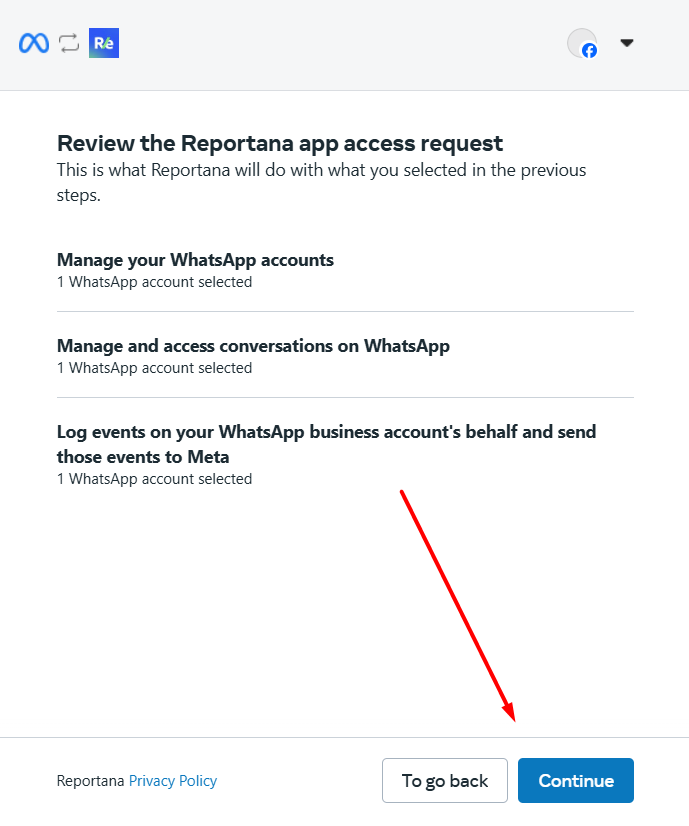
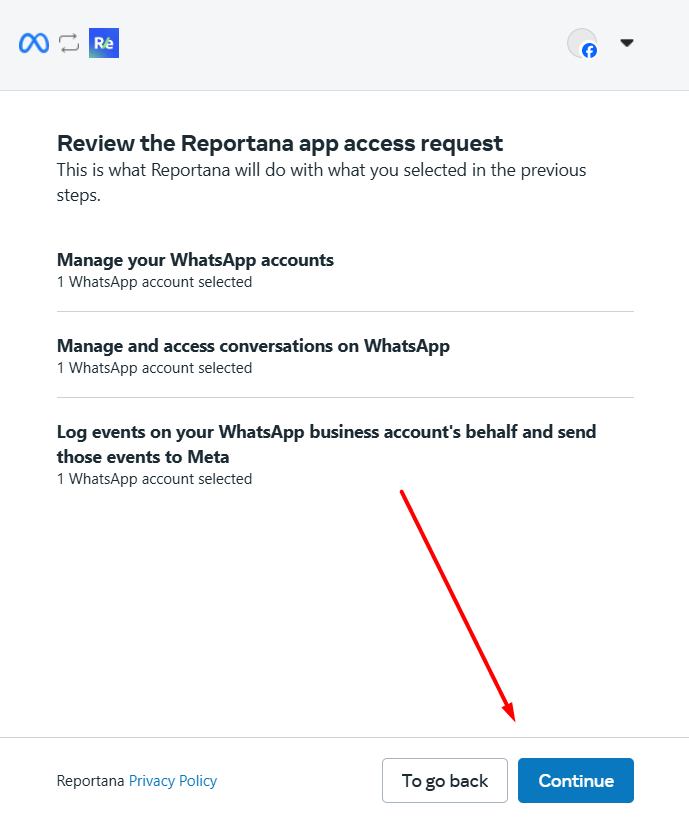
Click Continue to accept the app's privacy and usage policies.
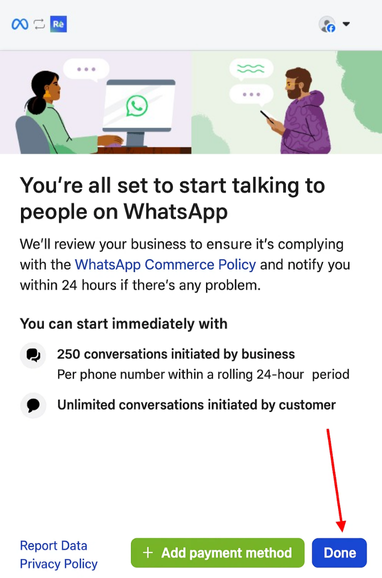
Click Done to complete the connection.
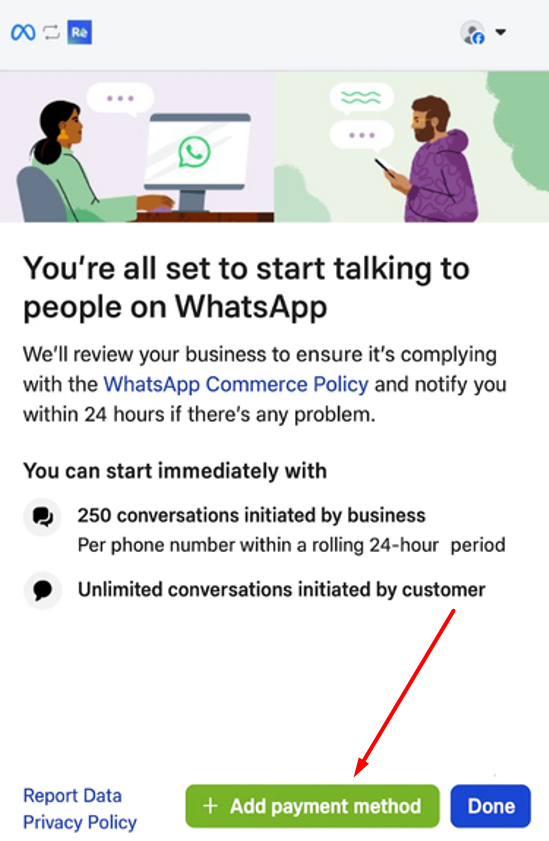
Note: If your account has no payment method, click Add payment method. You'll be redirected to Meta's dashboard.
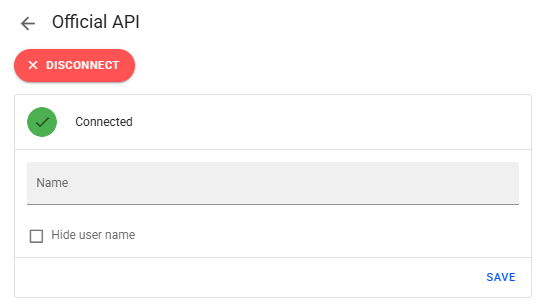
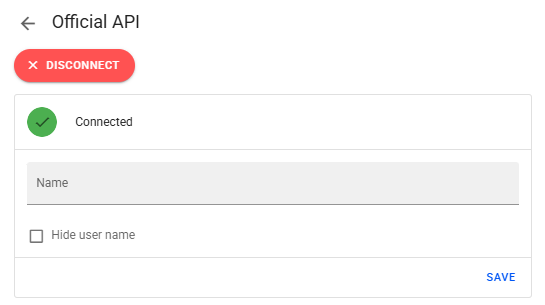
- Within minutes, the profile will appear as connected.
Connecting an Existing Number
Important: If your phone number is already linked to a regular WhatsApp account, Meta requires you to delete your account in the app to link it to the Official WhatsApp API. To learn how to delete your account, visit the link: Help Center - WhatsApp. Now, if your number is a WhatsApp Business, you can connect it with our platform!
Select Connect your existing WhatsApp Business app.
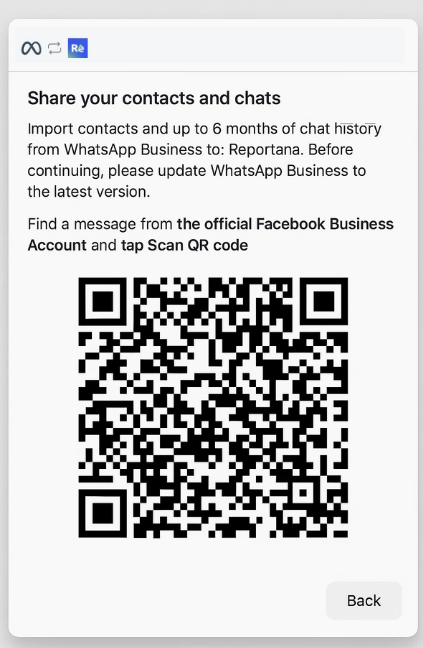
Scan the QR code using your WhatsApp Business app.
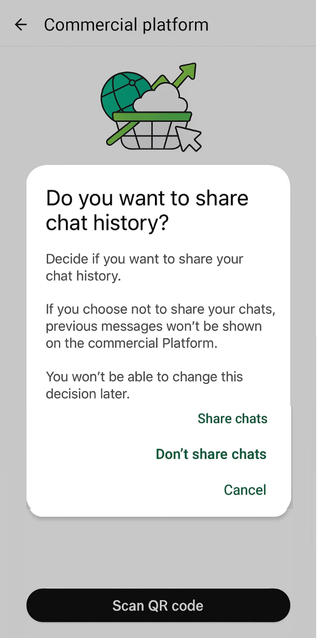
Choose one of the options if you want to share your chats with your business account, you won't be able to change this decision later.
Click Continue to accept policies.
Click Done to complete.
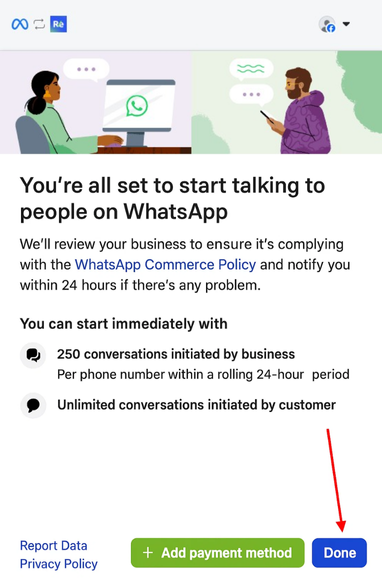
Note: Add payment method if required.
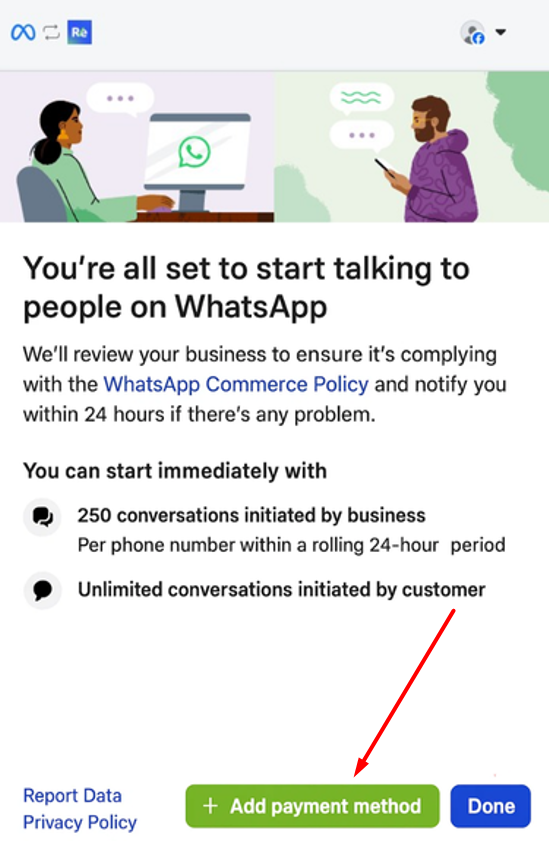
- The profile will connect within minutes.