Introduction
On the platform, you can update your account details, billing information, and user profile at any time. This tutorial will guide you through making these changes quickly and easily.
How It Works
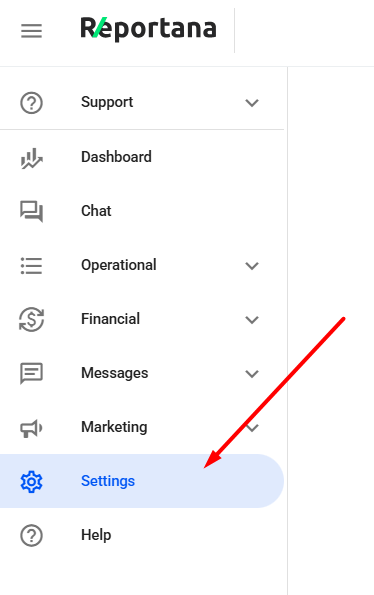
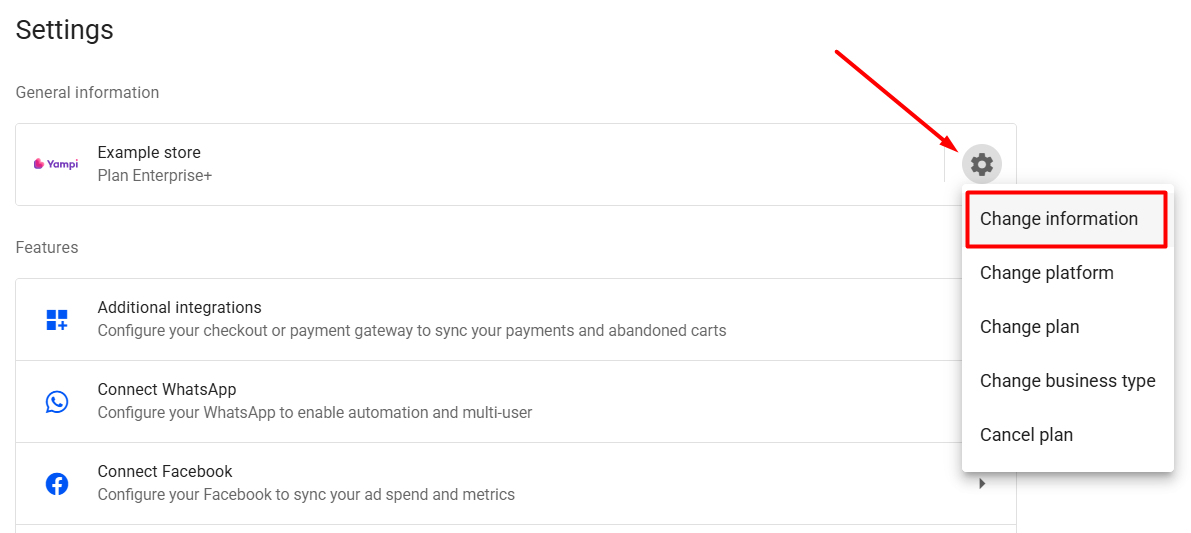
In your Reportana account, go to Settings in the side menu → Gear Icon ➞ Edit Information. Or access: Settings — Edit Information..
In the first section, you can update account details such as the account name and currency type.
Note: For the account name, we recommend using your business name.
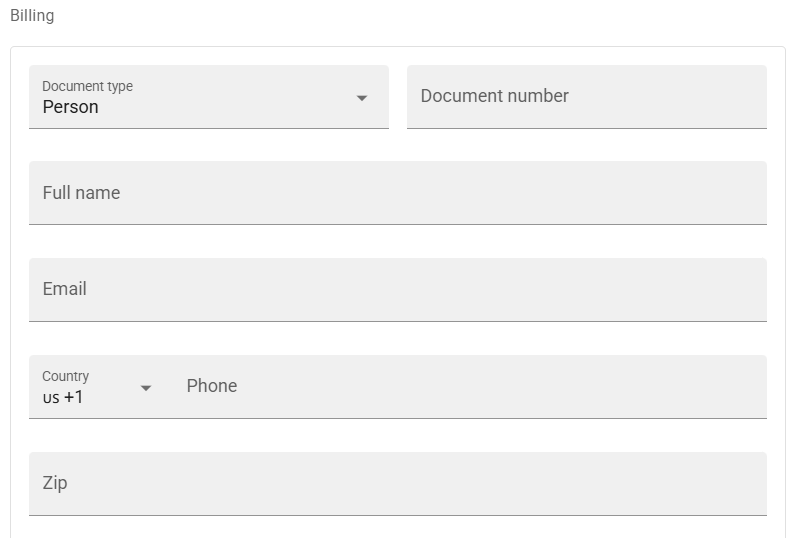
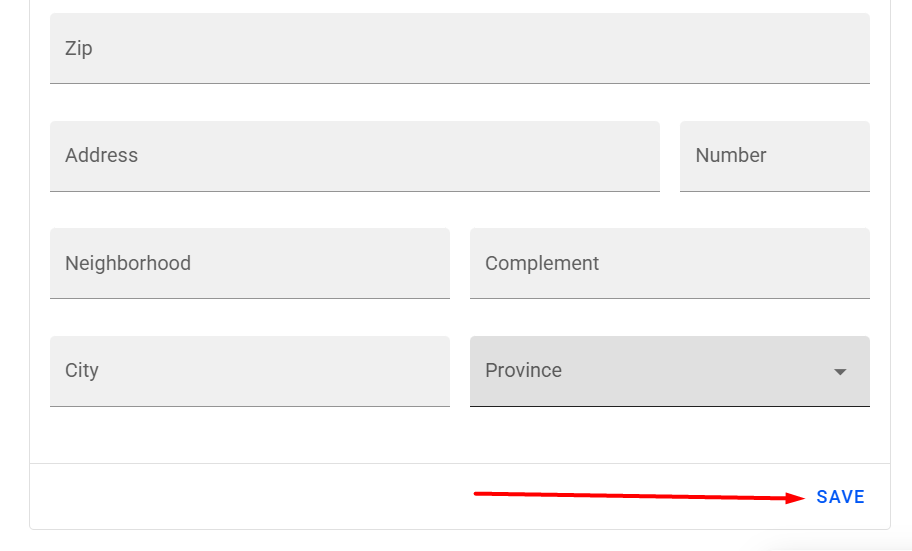
Below this, you can modify the billing information registered on the account.
After making changes, click SAVE to confirm.

You can also update your account’s user profile information:
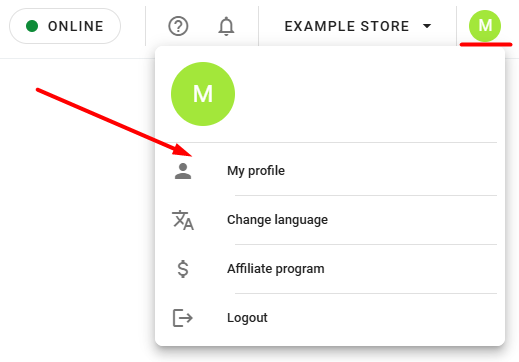
Click the profile icon in the top-right corner of the platform ➞ My Profile.
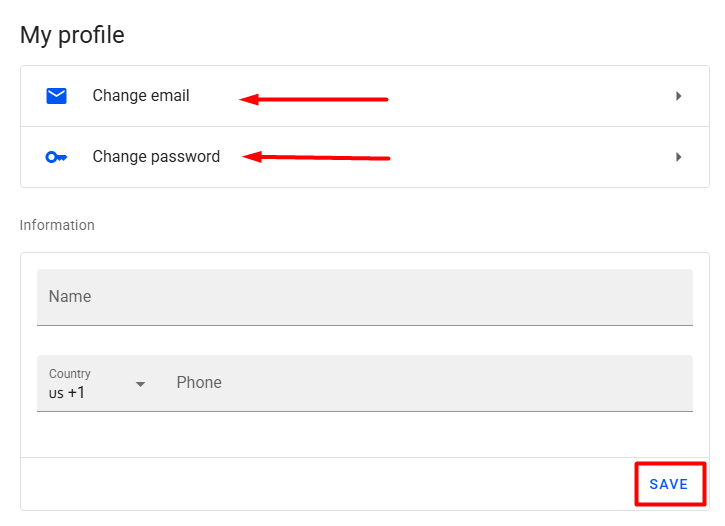
Here, you can update the user’s login email, password, name, and phone number.
For changes to take effect, click SAVE and reconnect to your Reportana account.
Note: The name registered in the user profile is displayed in our multi-agent chat. We recommend using only the first name.