Introduction
At Reportana, you can update your payment method at any time, ensuring flexibility and security to maintain your continuous access to our features.
How It Works
The charge is processed when you update the credit/debit card on your subscription plan. Therefore, we recommend that you change the payment method one day before your subscription renewal.
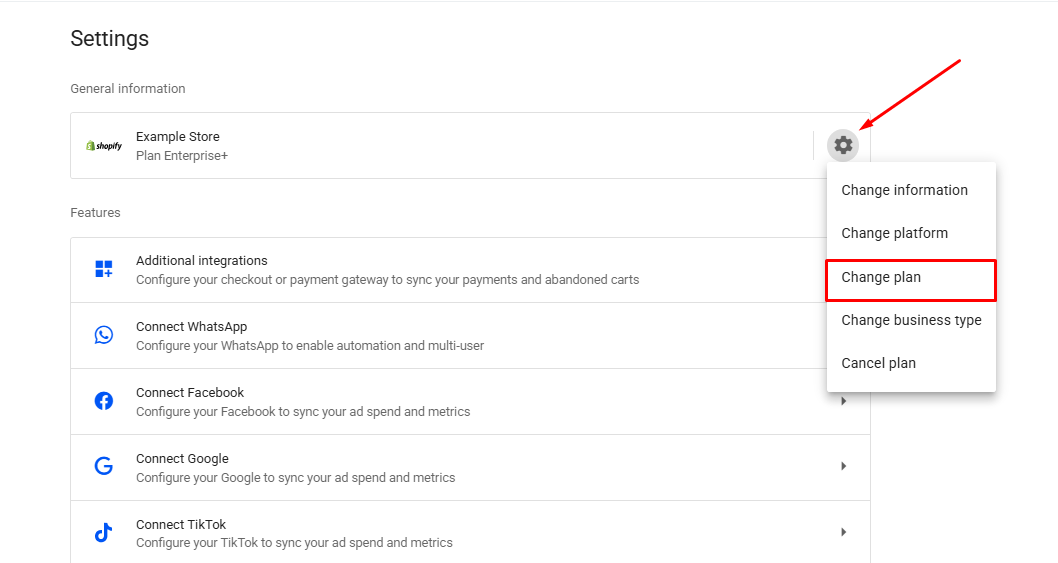
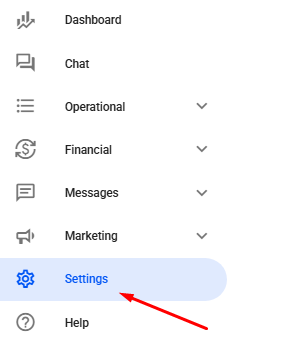
In your Reportana account, navigate to Settings in the side menu → Gear Icon ➞ Change plan. Or access: Settings — Change plan.
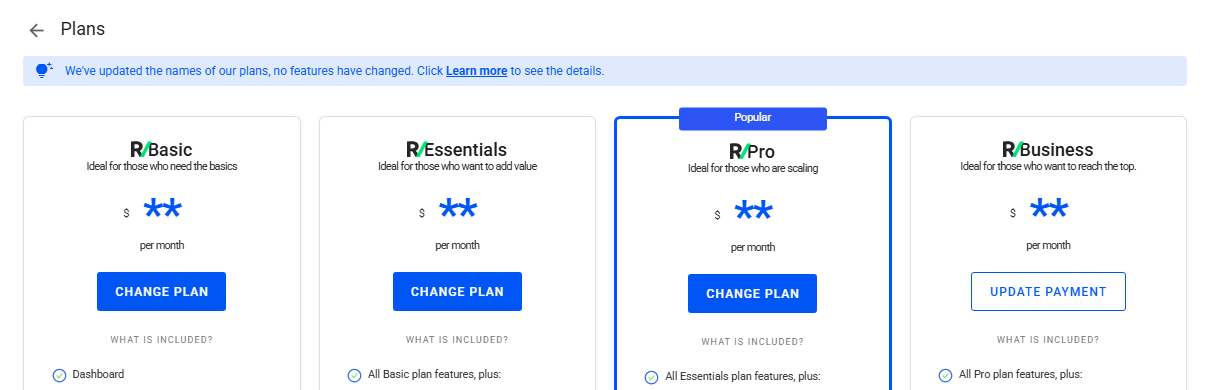
On the card referring to the current plan, click Update payment.
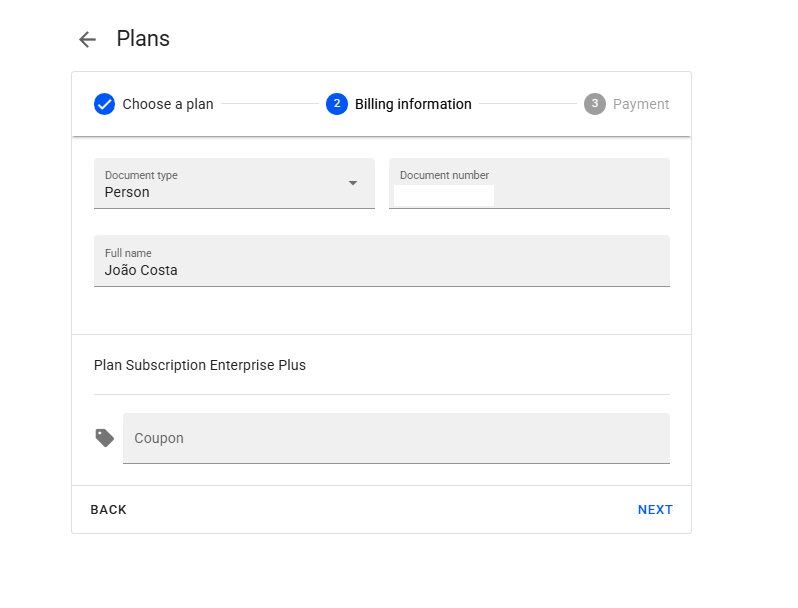
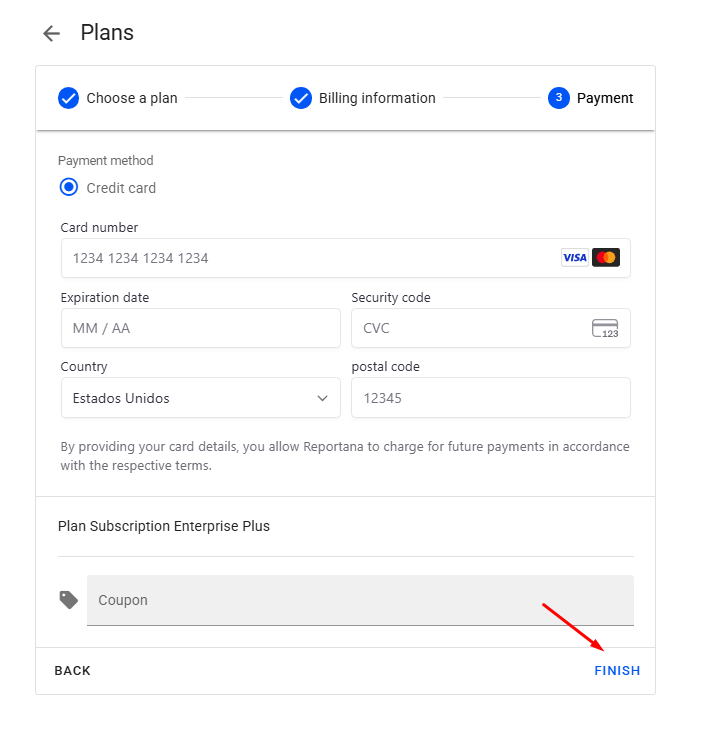
You will need to enter some billing information and the new payment method during the update process.
To conclude, simply click Finish to confirm the change.