
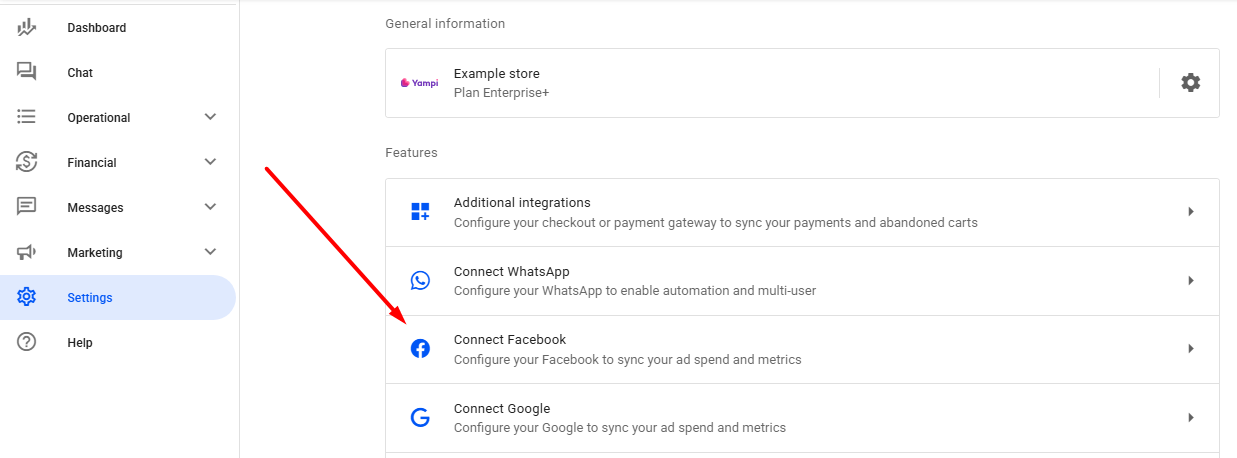
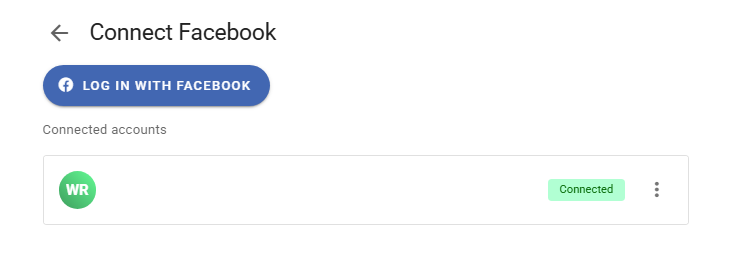
In your Reportana account, go to Settings in the side menu → Connect Facebook. Or access: Connect Facebook.
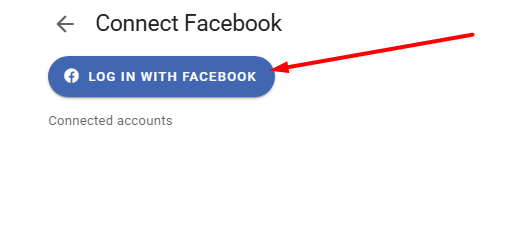
Click the Log in with Facebook button.
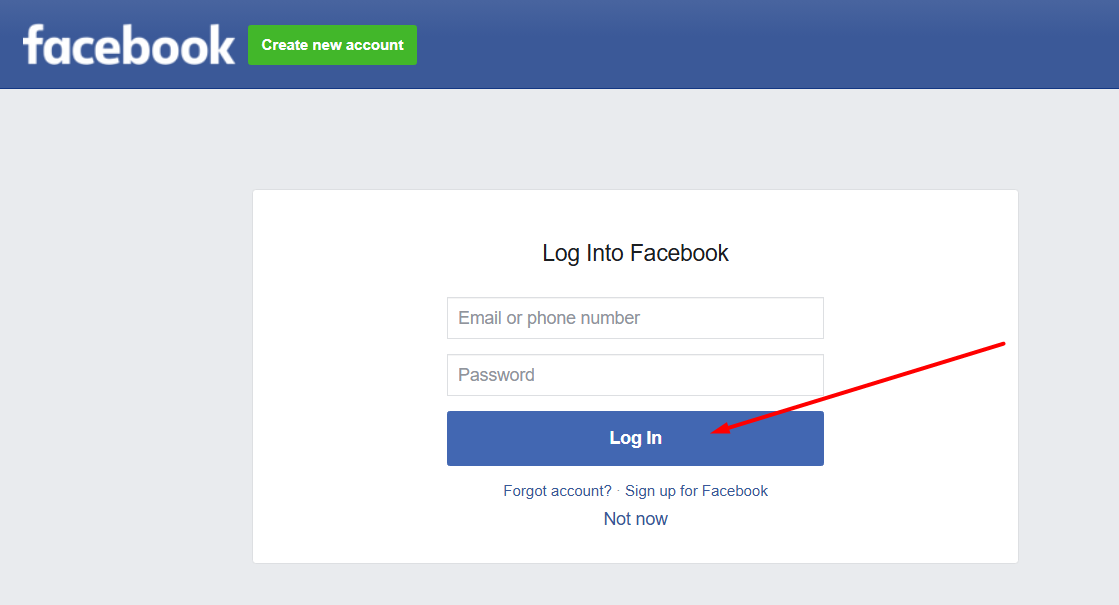
Log in or select the account you want to integrate if already connected to Facebook in your browser.
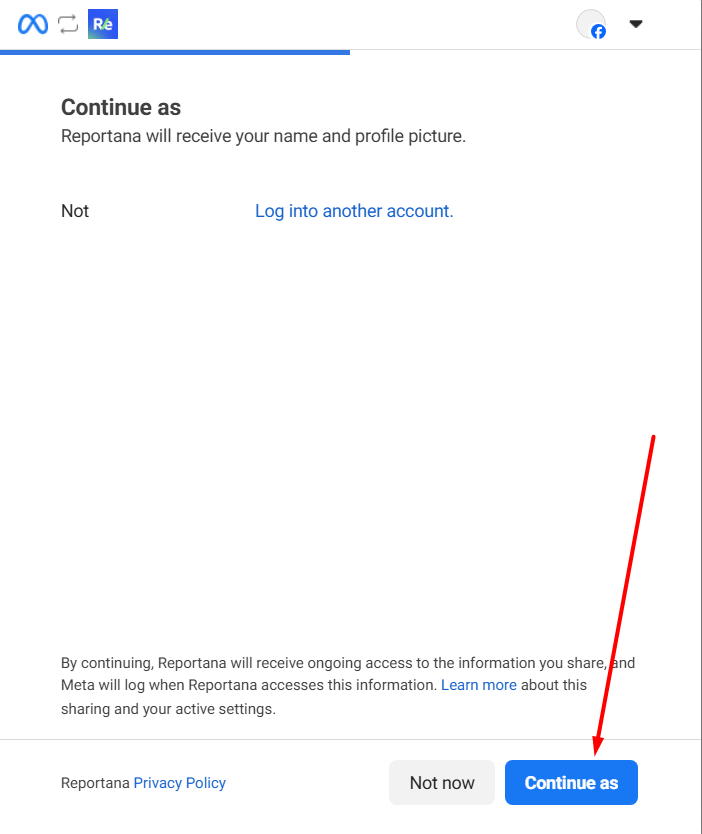
Click Continue as….
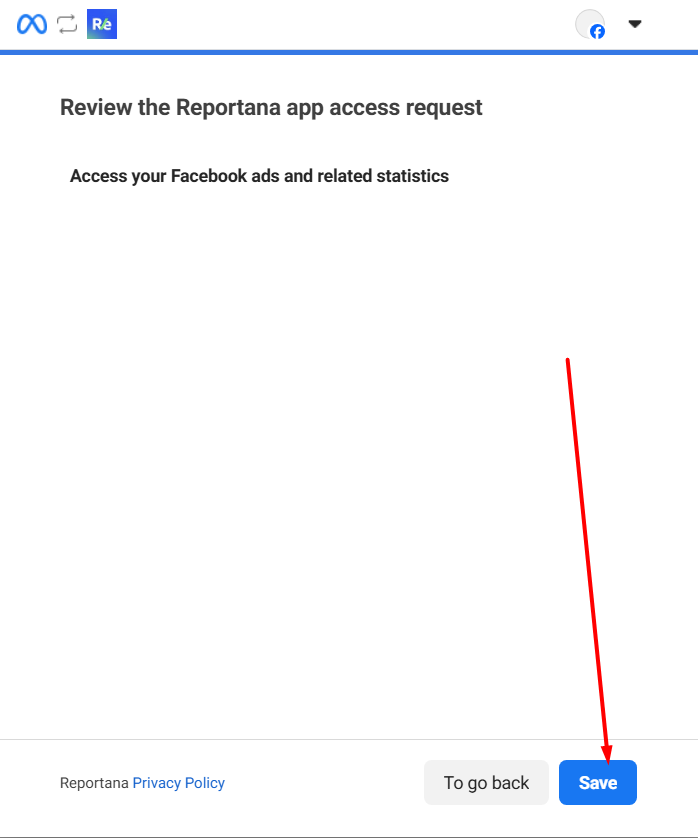
After accessing your profile, click Save to grant the necessary permissions.
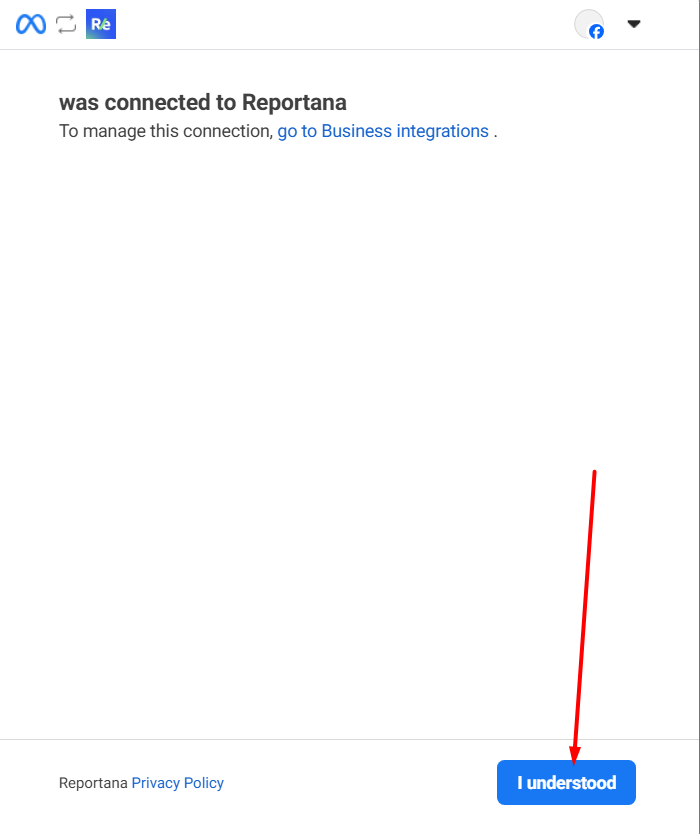
Once completed, click I understood and you'll be redirected back to Reportana.
Wait a few minutes for your account to be fully connected.
October 01, 2024
How to Connect with Facebook
Related articles
How to Set Up Team Accounts
"Users" are used to allow you to add collaborators to your Reportana account. In this article, we'll show you how to send the invitation link to your employee and how how to add them to your account.

How to Change Your Subscription Plan
At Reportana, it is possible to adjust the subscription plan, guaranteeing access to the functionalities best suited to the growth of the business. In this lesson, you'll learn the step-by-step process of changing your account's subscription plan.
How to Connect WhatsApp
By connecting your company's WhatsApp to our platform, you can use our messaging chat to handle customer support, send automations, and run WhatsApp campaigns. Learn how to connect and synchronize in this tutorial.