Introduction
In the automation editor, you can start a test by manually filling in the data that will be used in the trigger, such as your own name, e-mail address and telephone number. In this way, the automation will run exactly as it would for a real lead, allowing you to check that the trigger and messages meet your expectations.
How it works
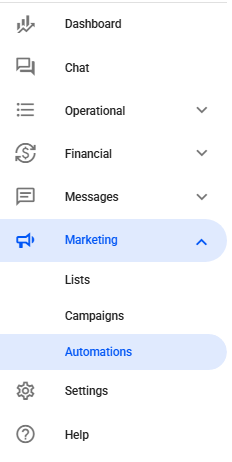
in your Reportana account, go to Marketing in the side menu → Automations. Or access: Marketing - Automations.
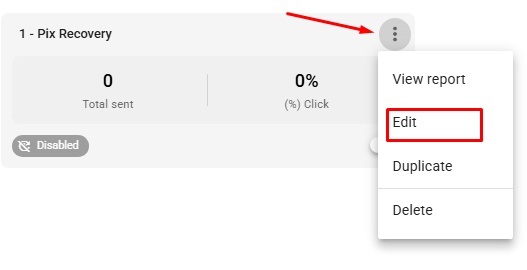
Access the automation you want to test by clicking on the three dots → Edit. In this example we will be testing an automation for Pix Recovery.
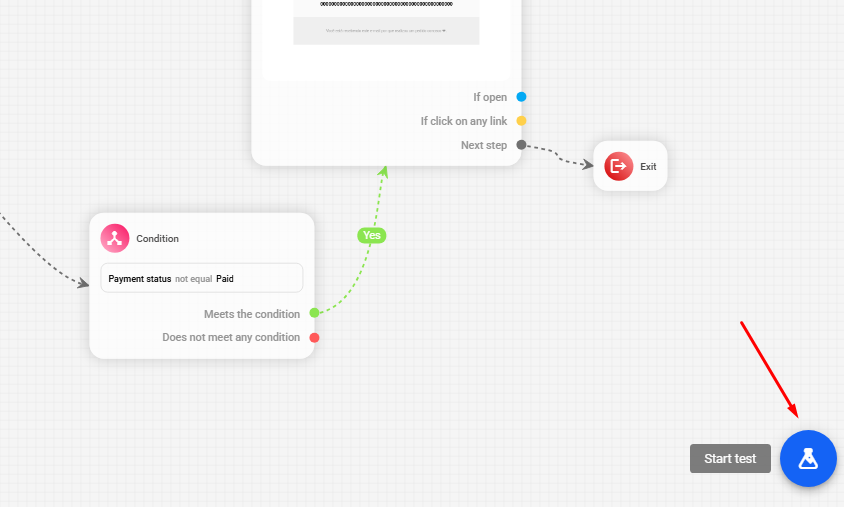
To test your automation, click on the Start Test button at the bottom right of the page.
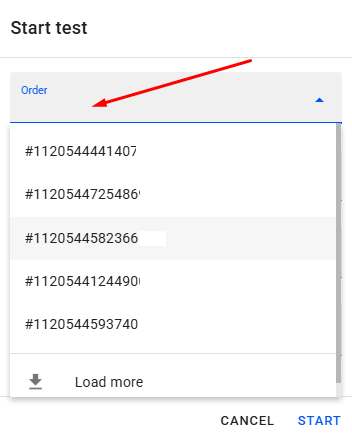
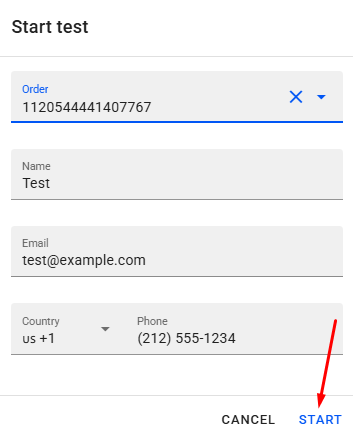
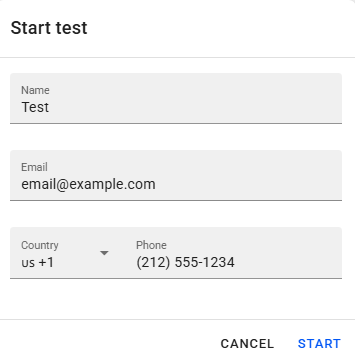
When you start the test, a window will appear for you to fill in your name, email and phone details. In the case of order recovery automations, you will also need to select an order synchronized in your Reportana account as a reference.
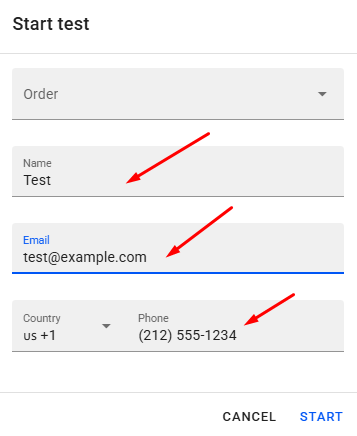
Then just click on Start and the automation test will start with the contact details you filled in instead of the real customer, based on the reference order you selected earlier.
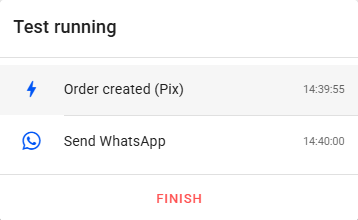
During the test, you'll be able to follow each stage of the automation in real time, with the blocks being displayed as the lead progresses through the automation. Waiting blocks will be skipped to optimize the process.
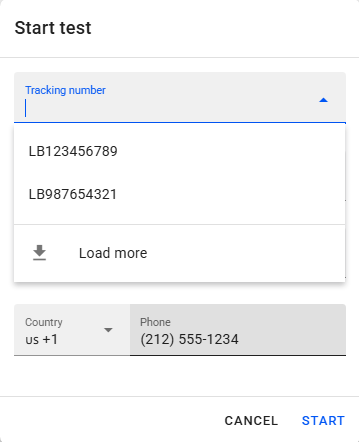
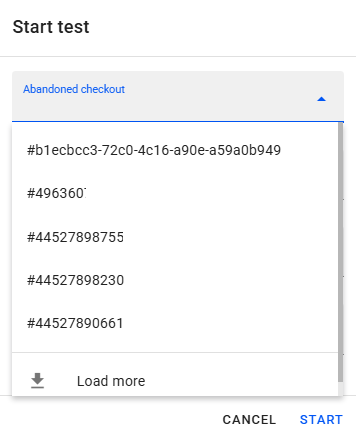
Important: The reference must be real information synchronized in the account, which will be used to test the automation, such as an order, tracking number or abandoned cart. In a chatbot, it is not necessary to use a reference, as the automation starts without depending on previous information. Examples:
Tracking number:
 Abandoned checkout:
 Chatbot:
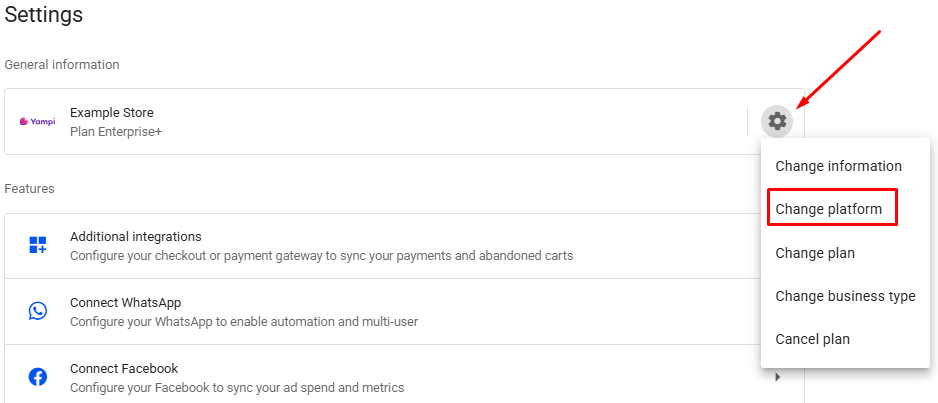
Note: If you do not have any data available, the automation cannot be tested, you must first finalize your integration settings in Settings in the side menu → Engagement → Change platform. Or access: Platforms.