Introduction
Through the Financial Dashboard on our platform, you can track your business's profit in real time. This guide will help you understand the information presented in this dashboard.
How It Works
In your Reportana account, navigate to Dashboard in the side menu → Financial. Or access: Dashboard
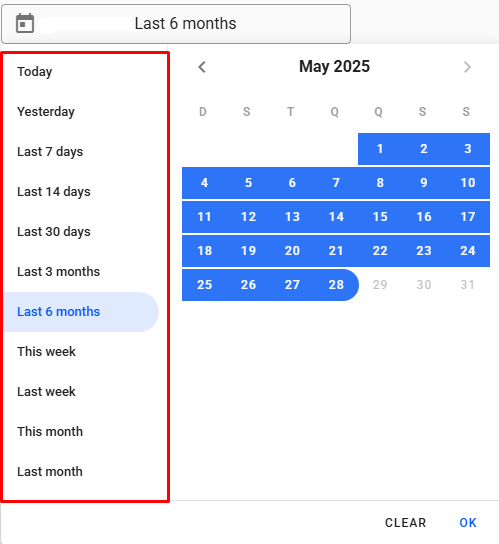
Use the calendar to select the period you want to filter in your Dashboard.
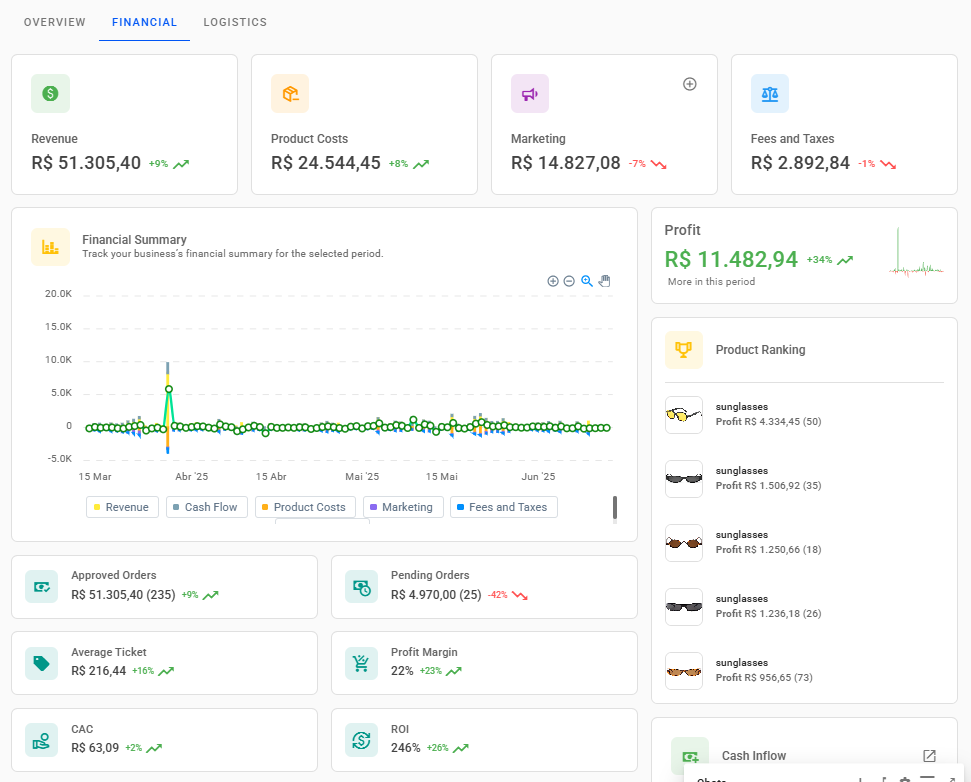
At the top of the Dashboard, with the selected period applied, you’ll see your Revenue, Product Costs,Marketing, and Fees and Taxes, based on your store’s configuration and performance. Further down on the right, your Profit is displayed, that is, your revenue minus total costs.
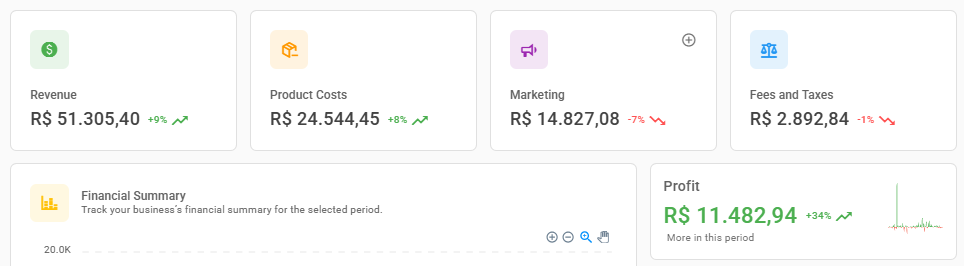
Note: To learn how to configure your store’s financial metrics, check out our article: How to Configure the Financial Dashboard
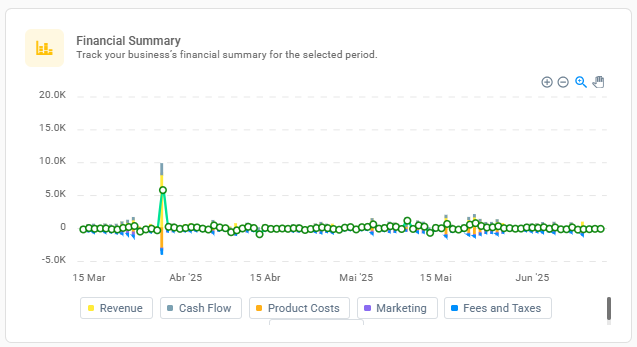
In the Financial Summary, you can view these details more closely on a day-to-day basis.
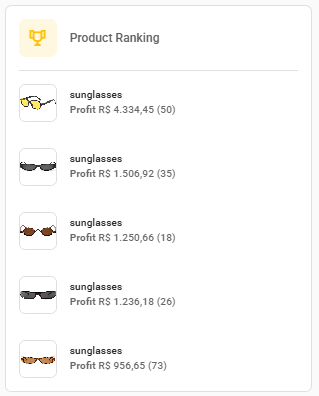
You’ll also find the Product Ranking, which shows the products with the best profit performance.
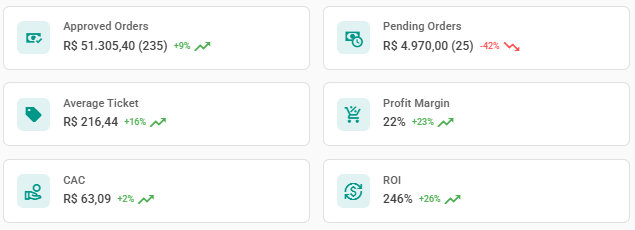
Further down, other key indicators are displayed, such as Approved Orders, Pending Orders, Average Ticket, Profit Margin, CAC (Customer Acquisition Cost), and ROI (Return on Investment).
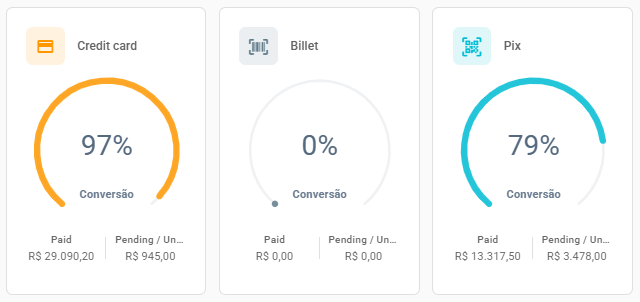
You can also track conversion by each payment method, including Credit Card, Billet, and Pix Payment.
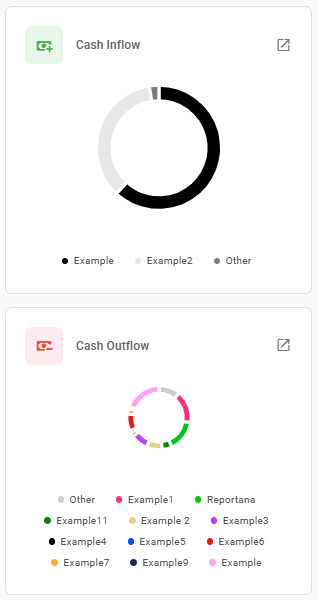
On the side, you’ll find *Cash Inflow and Outflow**, categorized for easier tracking.
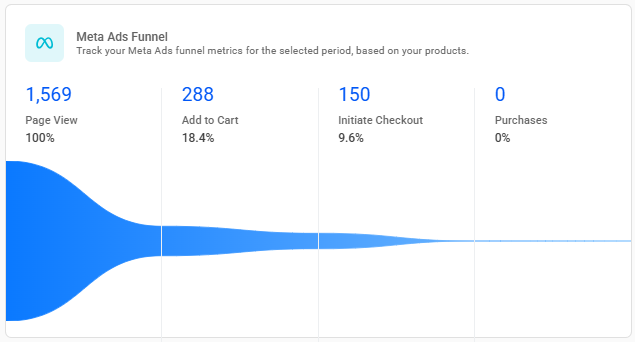
Another feature is the Meta Ads Funnel, which allows you to monitor key conversion funnel metrics from Facebook.
Lastly, your Ads, listed by platform, campaign name, and spend.
Note: The Financial Dashboard is currently available only for users on the Yampi, Shopify, and Cartpanda platforms.