
- In your Reportana account, go to Settings in the side menu → Gear icon → Change platform → Hotmart. Or access: Hotmart Integration.
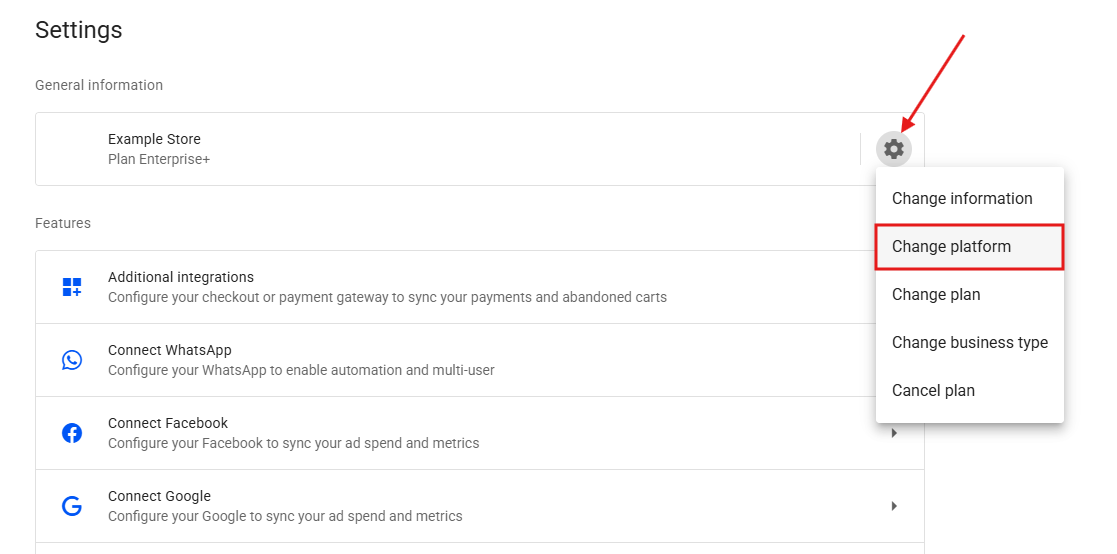
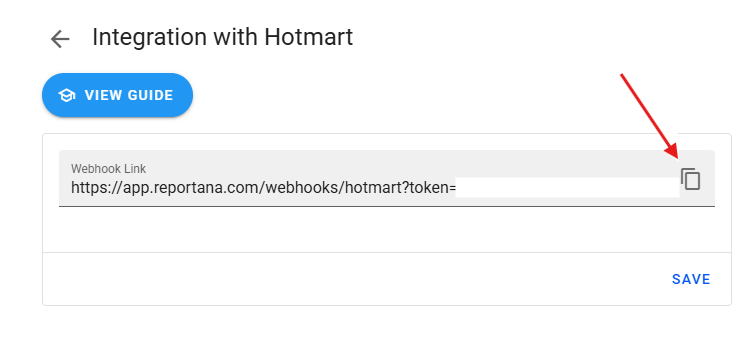
- Copy the Webhook Link.
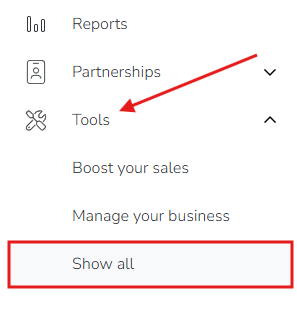
- Log in to your Hotmart account and click Tools → View all in the side menu.
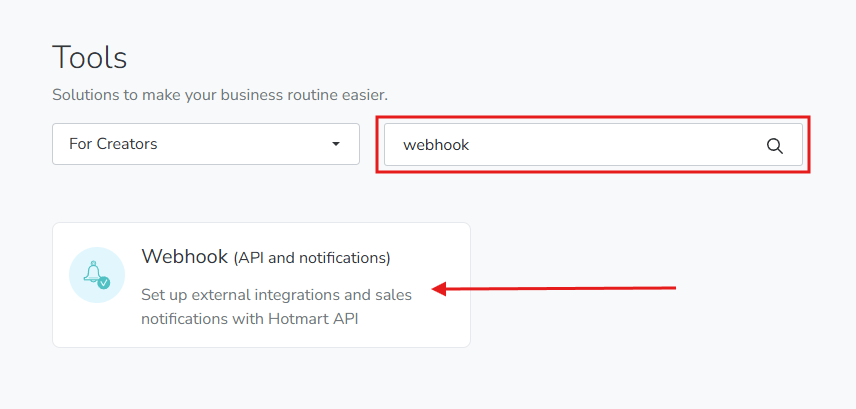
- Search for Webhook and click Webhook (API and notifications). Or access: Hotmart - Webhook
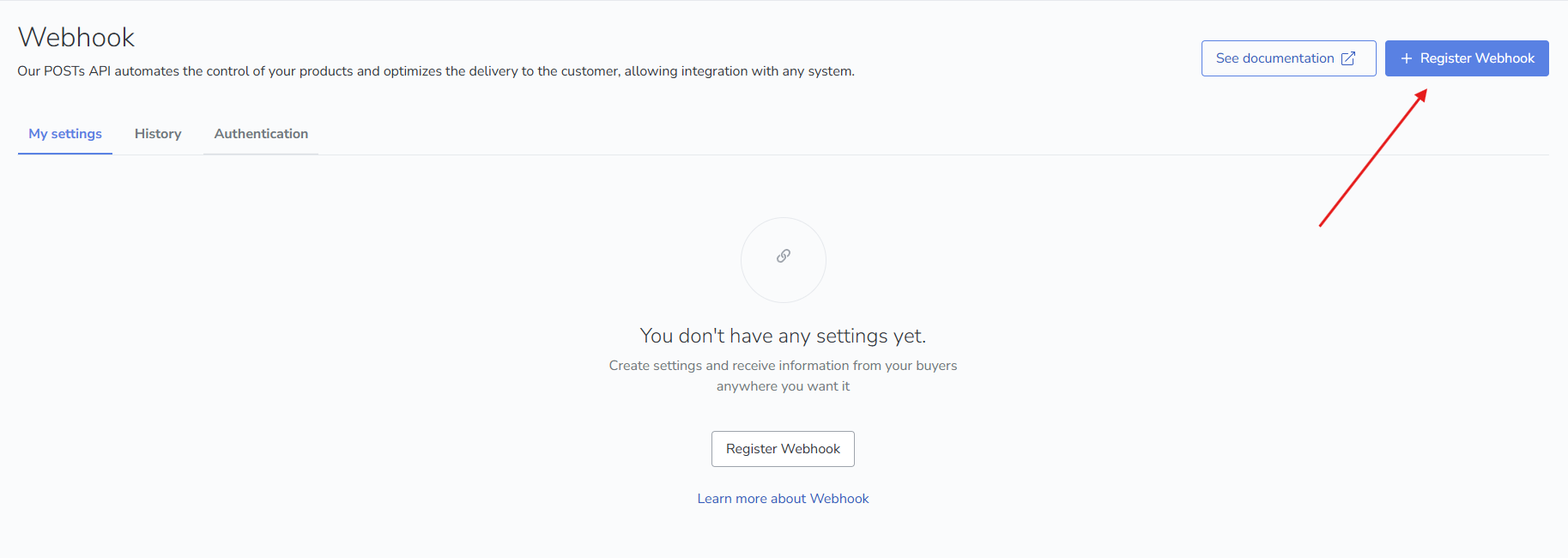
- Click + Register Webhook, located in the upper right corner.
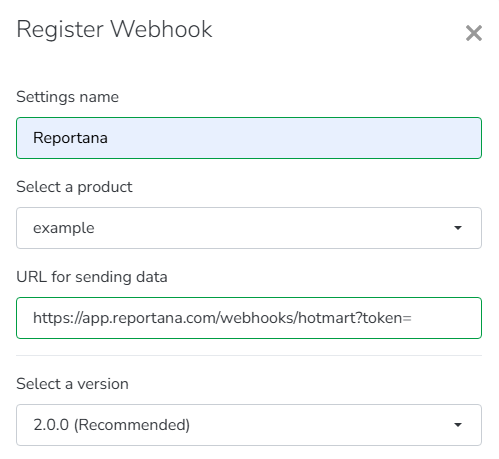
- Fill in the following fields:
- Under Settings name, enter your preferred name;
- Under Select a product, choose the desired product;
- Under URL for sending data, paste the link copied from Reportana;
- Under Select a version, select option 2.0.0.
-
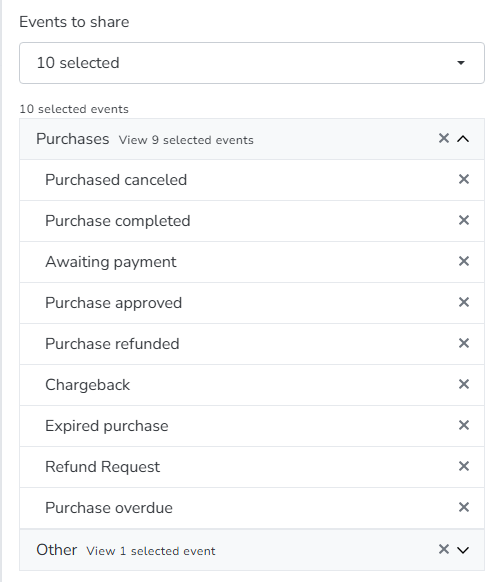
In Events, select purchase canceled, purchase Completed, awaiting payment, purchase approved, purchase refunded, Chargeback, Expired purchase, Refund request, purchase overdue, and Cart abandonment.
-
Click Save.
-
Go back to Reportana - Hotmart Integration and click Save.
-
Note: If you are a producer, enable the phone number, name, and email fields during checkout. If you are an affiliate, ask the producer to enable these fields.
