
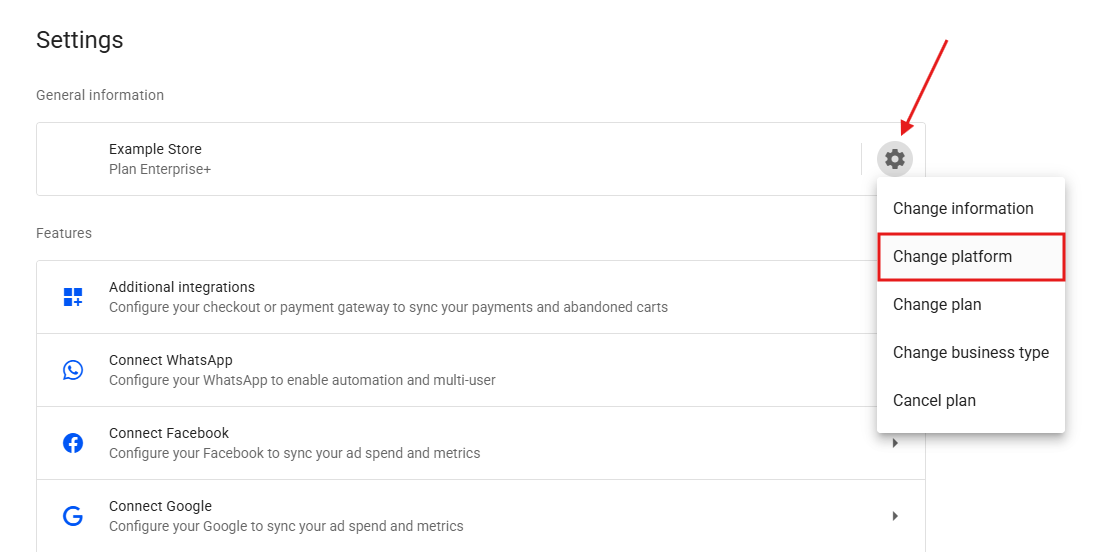
- In your Reportana account, navigate to Settings in the side menu → Gear icon → Change platform → Kiwify. Or access: Kiwify Integration.
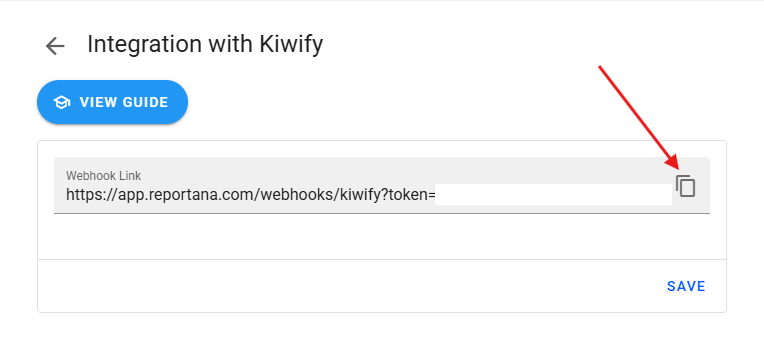
- Copy the Webhook Link.
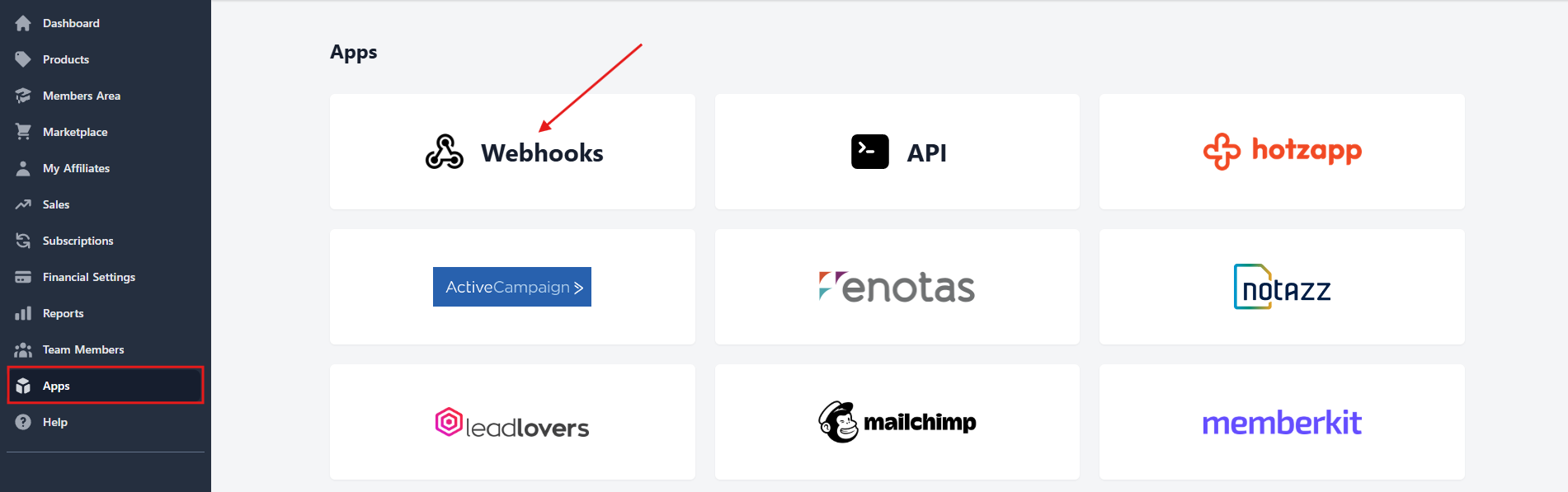
- Log in to your Kiwify account and click on the side menu Apps → Webhooks. Or access: Kiwify - Webhooks.
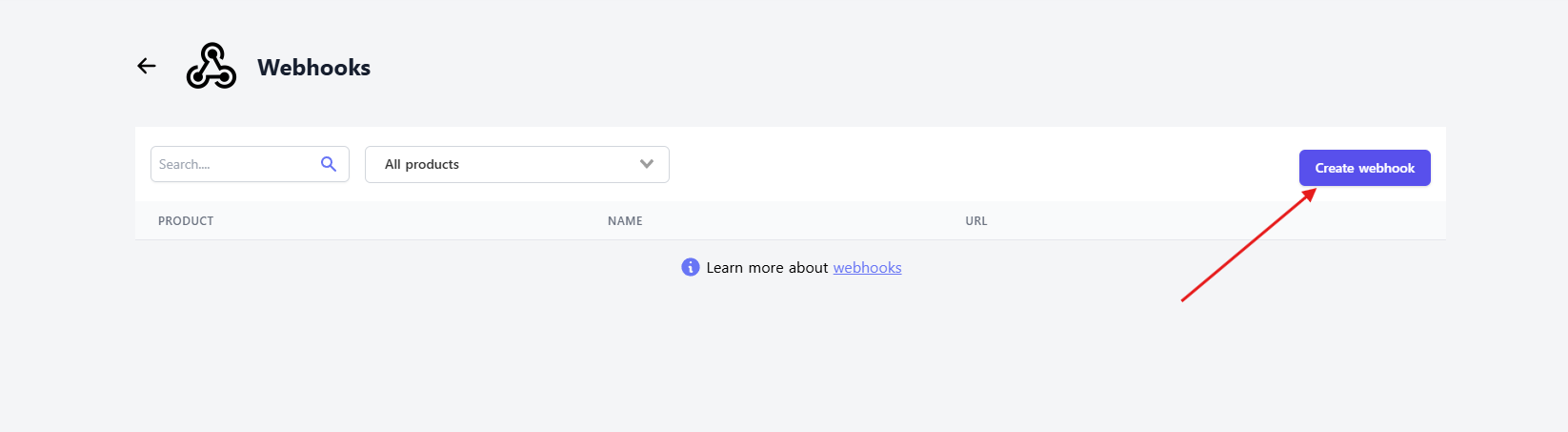
- Click Create webhook, located in the upper right corner.
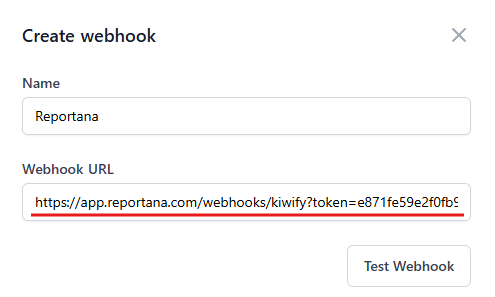
- Enter the name Reportana and paste the copied link into Webhook URL.
- Select the product(s) you want to integrate.
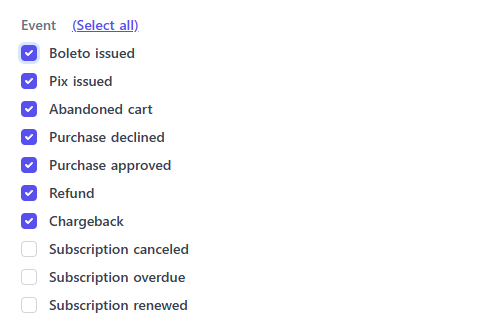
- In Event, select Boleto generated, Pix generated, Abandoned cart, Declined purchase, Approved purchase, Refund, and Chargeback.
- Click Create.
- Go back to Reportana - Kiwify Integration and click Save.
October 01, 2024
How to Integrate with Kiwify
Related articles
How to Integrate with Shopify
Shopify is a subscription-based platform where anyone can set up an online store and sell their physical or digital products. In this article you will learn how to integrate with Shopify.

How to Integrate with Cartpanda
Cartpanda offers a complete ecosystem of stores, checkouts and payments to help retailers all over Brazil and the world scale their sales. In this article you will learn how to integrate with Cartpanda.
How to integrate with WooCommerce
WooCommerce is a WordPress plugin that allows you to create online stores using open source code. In this article you'll learn how to integrate it with WooCommerce.