Introduction
Learn how to configure and manage your email campaigns on Reportana, from scheduling the send to detailed analysis of your performance metrics. The main purpose of email campaigns is to allow messages to be sent to a selected list of leads. They are ideal for marketing purposes, such as promoting sales, sending discount coupons, etc.
How it works
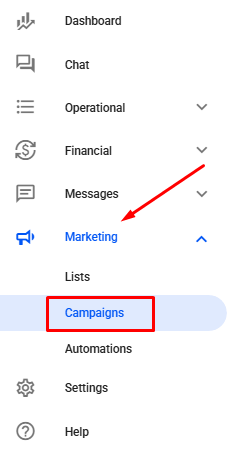
Navigate to Marketing → Campaigns, then click the +Create button. Or access: Campaigns
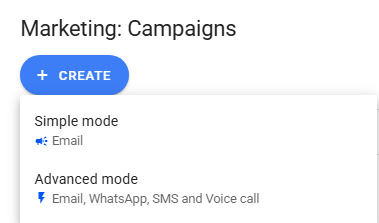
After clicking the button, two campaign mode options will be presented. The Standard mode allows the creation of email-only automations, which will be the focus of this article.
The Advanced mode allows the inclusion of other channels such as WhatsApp, SMS, and phone calls, enabling a flow with multiple messages. To learn more about this feature, check out the article: How to Create an Advanced Campaign (Email, WhatsApp, SMS and Phone Call)
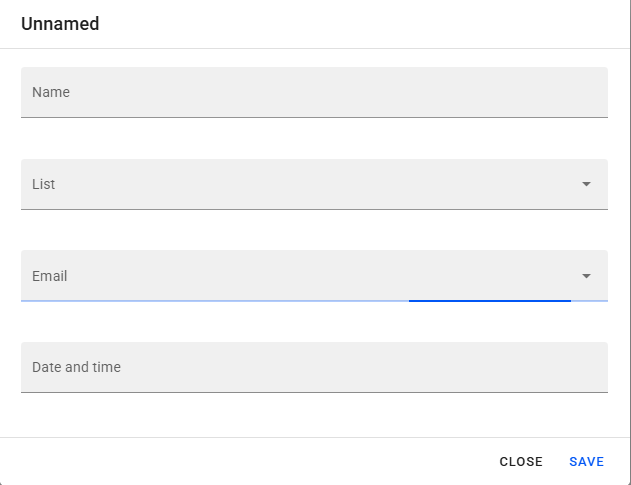
Select the Standard mode option; a new tab will open, as highlighted in the image below.
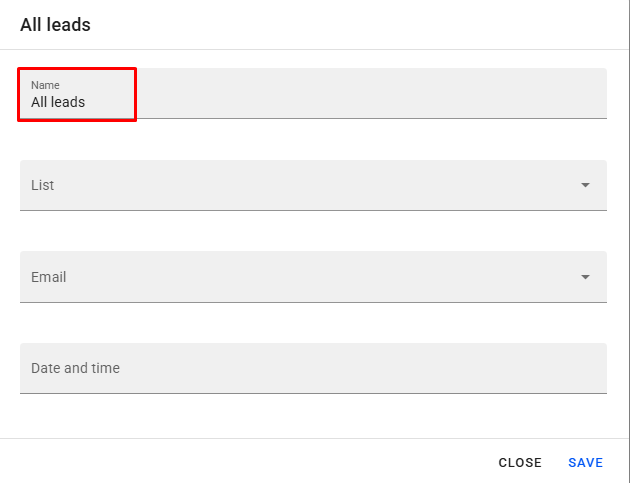
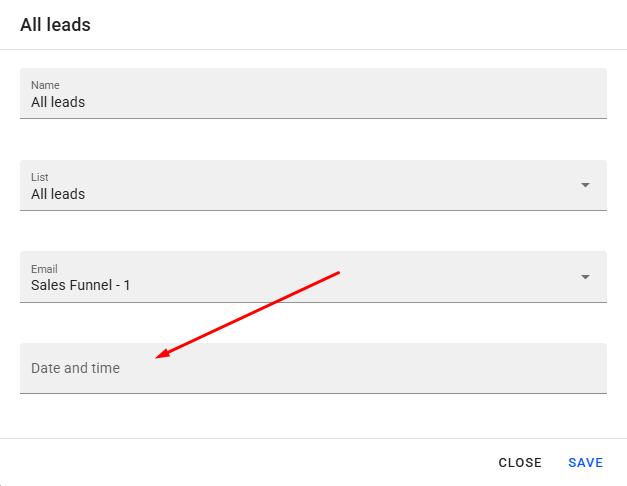
First, add the name of your campaign.
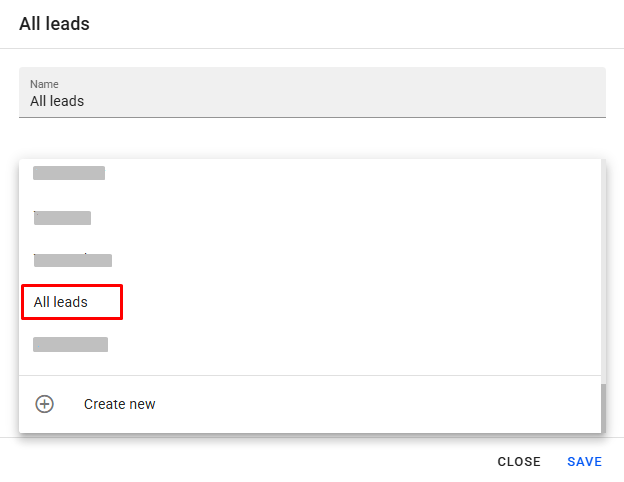
Next, select the list of leads that should receive the campaign.
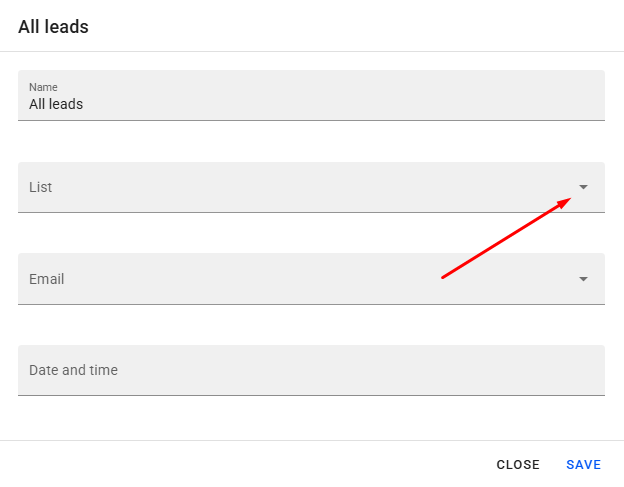
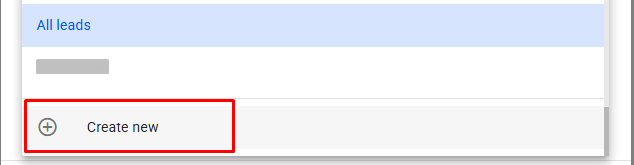
There is also the Create new option, which allows the creation of a new list. If you have any questions, we recommend reading our article: How to Create a List from Existing Data.
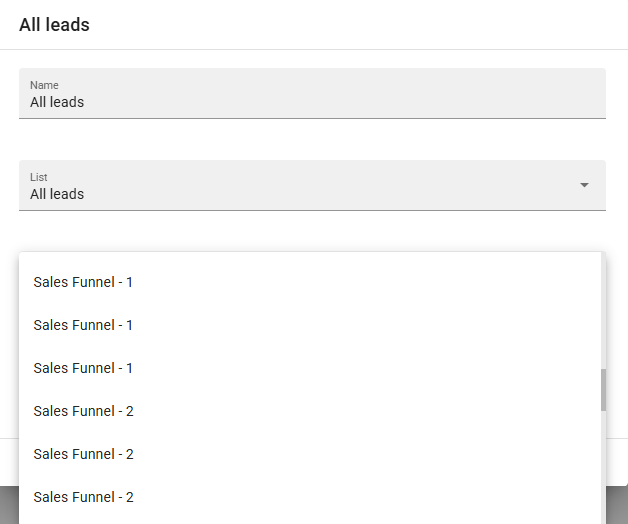
In the Email section, select the previously created message by clicking on the corresponding name.
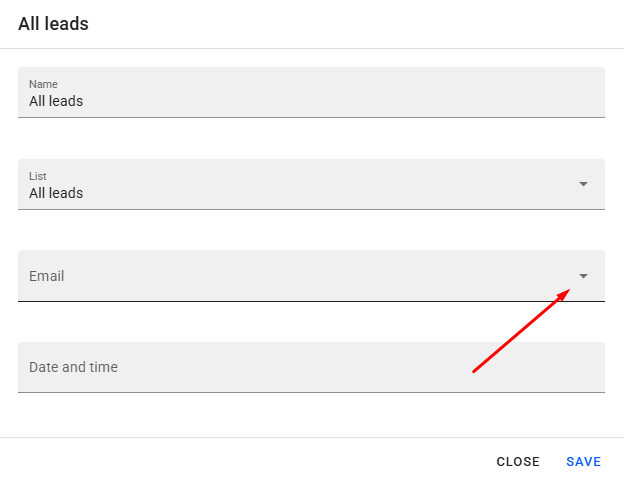
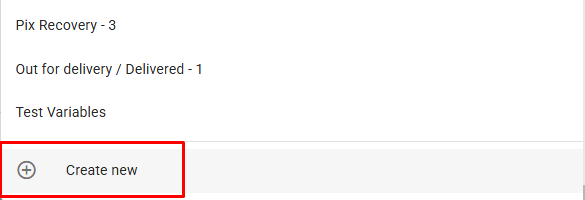
There is also the Create new option, which allows the creation of a new email message. To better understand email creation, we recommend reading our article: Getting to Know the Email Editor
Next, select the date and time you want the campaign to be sent.
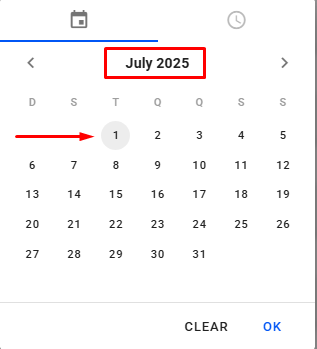
Just indicate the desired send date by selecting the corresponding date, including month and year.
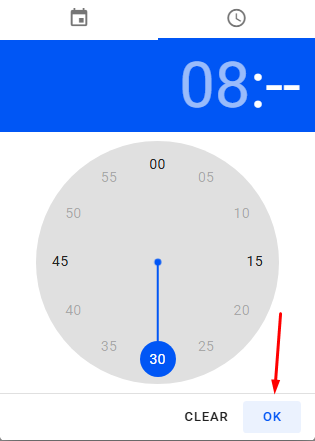
Then, set the send time by first selecting the hour and then the minutes. In the example below, it is scheduled for 8:30 AM. Confirm the scheduling by clicking Done.
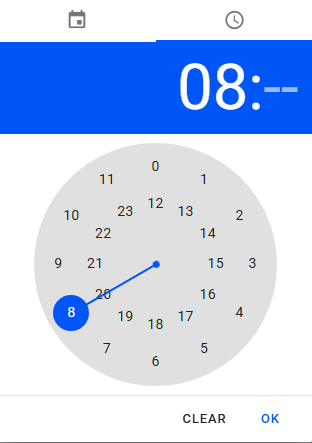
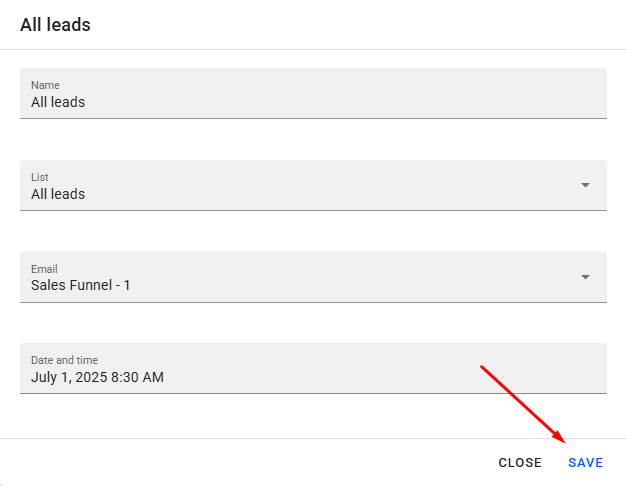
With that, the campaign will be configured. To finish, just click Save.
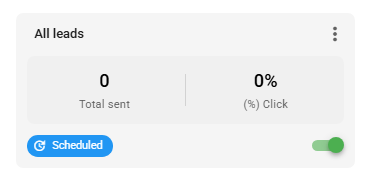
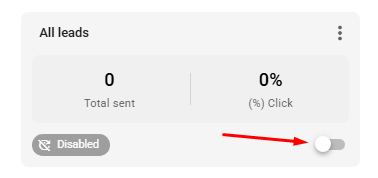
After saving, you will see that the campaign is deactivated. To activate it, simply click the highlighted icon, which will immediately activate the campaign and schedule it to be sent at the chosen date and time.
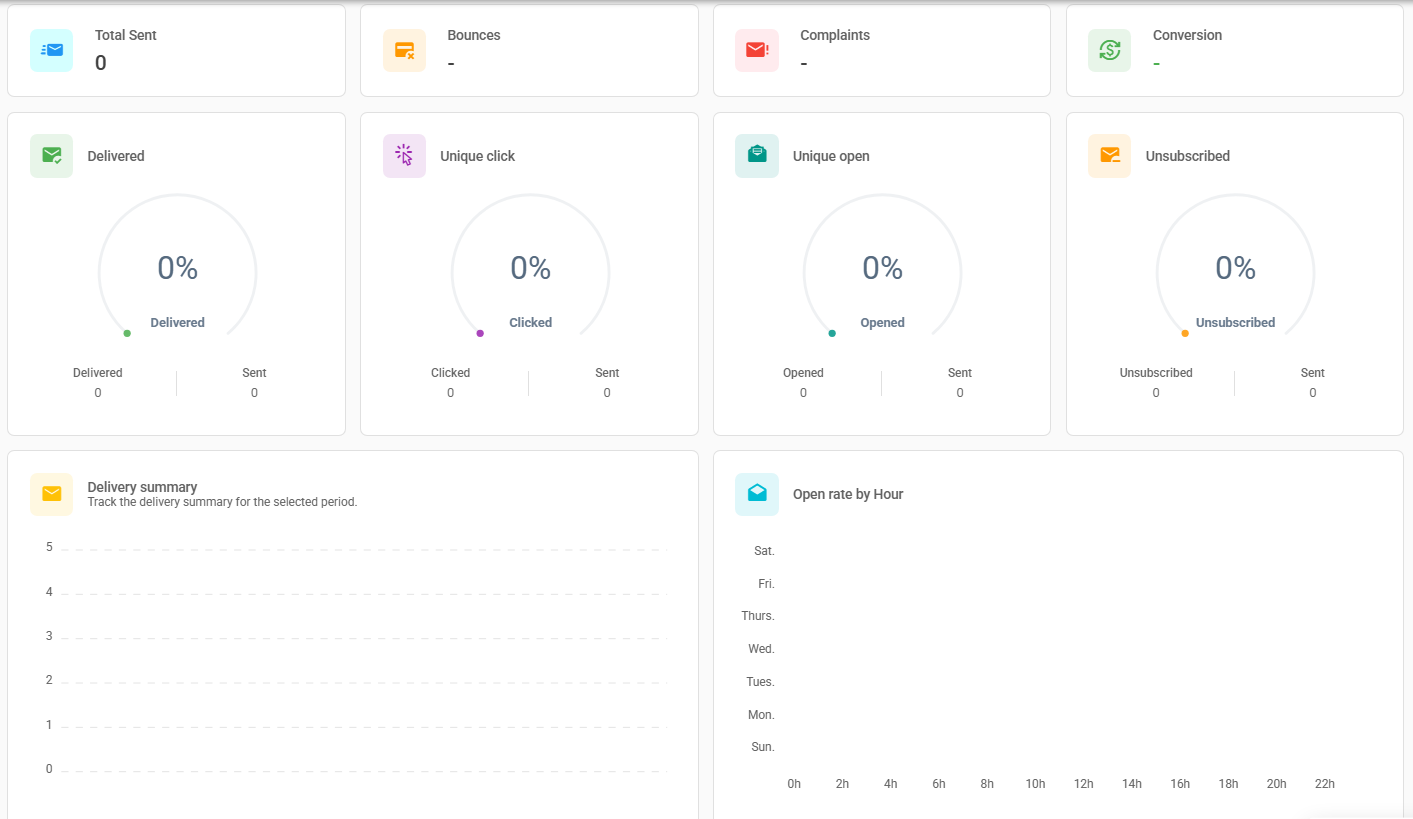
After the campaign is sent, you can check the performance metrics. To access them, double-click on the desired campaign, and the information will be displayed as shown in the image below.
- Delivered: This metric shows the proportion of emails that were successfully delivered to recipients. It’s crucial for assessing the health of your lead list and delivery effectiveness.
- Unique Clicks: Indicates the number of unique individuals who clicked on any link in your email. This metric helps measure your leads' interest and interaction with the message content.
- Unique Opens: Reflects the number of unique recipients who opened the email. It's a primary indicator of engagement and the appeal of the subject line and sender.
- Unsubscribes: Shows how many users chose to unsubscribe from your email list after receiving the campaign. A high number of unsubscribes may indicate issues with content, frequency, or campaign targeting.
- Send Summary: Provides a summary of email sends over a specific period, detailing when emails were sent to your leads.
- Opens by Time of Day: This metric is especially useful as it details what times of day emails were opened by your leads. It can provide valuable insights into the best times to send future campaigns and optimize open rates.
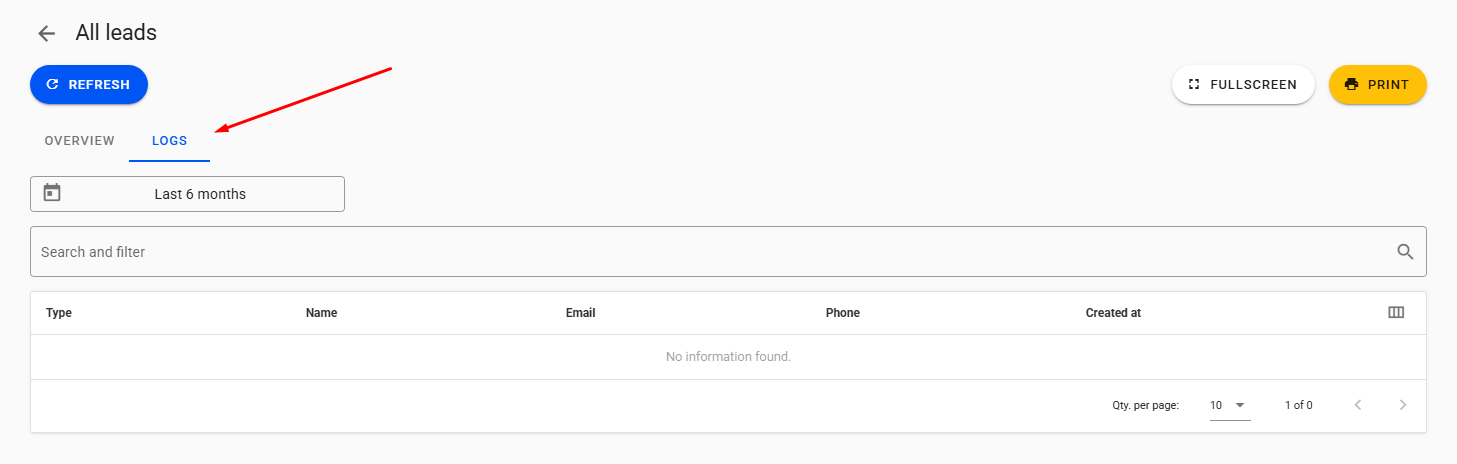
In addition to these aggregated metrics, you can access the activity logs, which allows for even more granular tracking of lead behavior. This feature lets you see information like the exact time a lead clicked on the email for the first time or the last time they opened it, etc. This functionality is excellent for understanding each lead's individual journey and their interaction with the campaign.